Your SOC code is on your wage determination, your LCA and your PERM application. If you don't have those, type your job title into PERM Tracker's free job code finder: it ranks the codes by how often employers filed that title under each in DOL's own files.
What a SOC code is
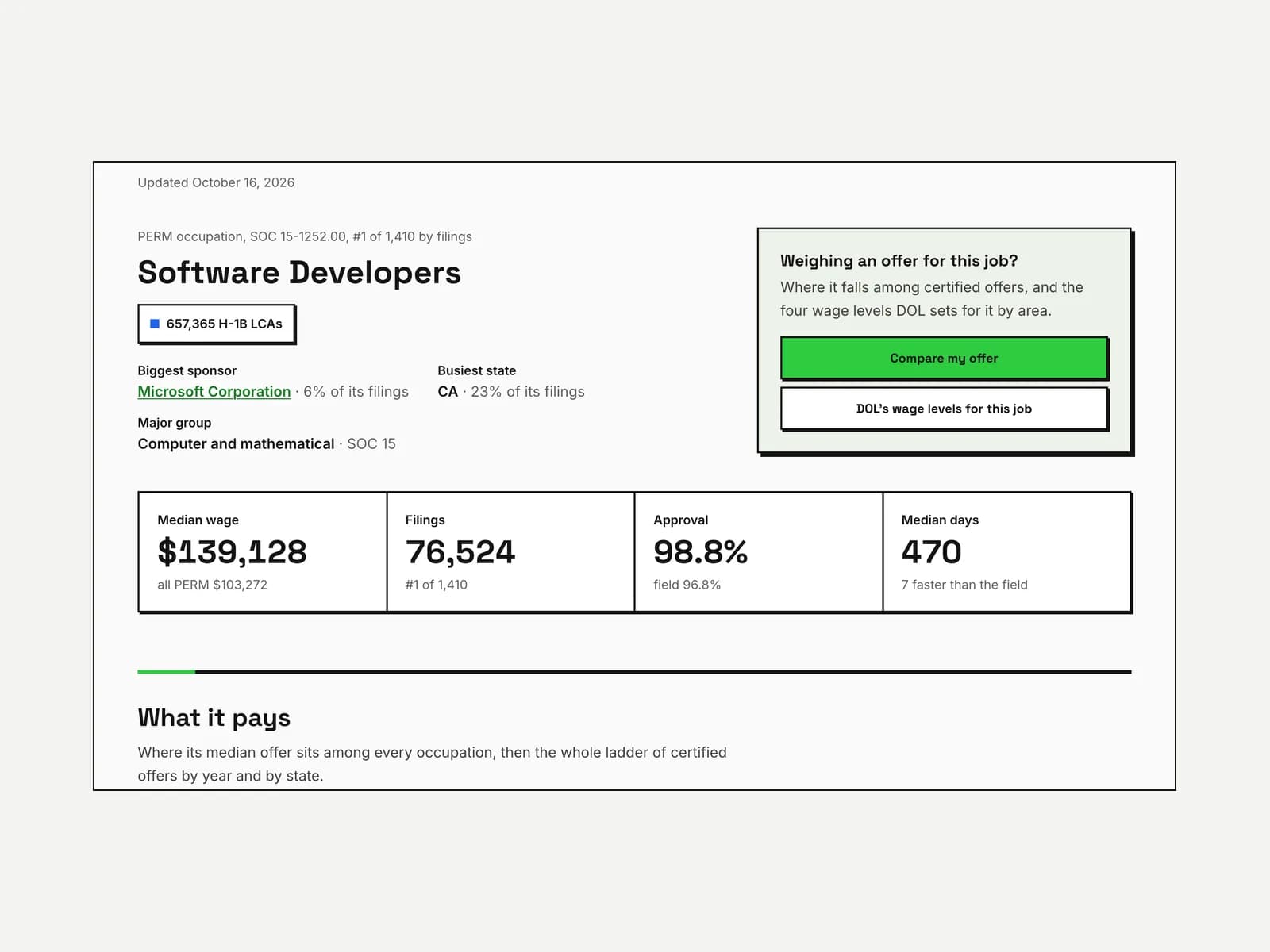
A SOC code is the government's number for a job, from the Bureau of Labor Statistics' Standard Occupational Classification. Software developers are 15-1252, registered nurses 29-1141 and accountants 13-2011.
Every PERM case, prevailing wage request and H-1B LCA names one. The code matters because DOL sets the prevailing wage from it: the four wage levels for a job in an area are the levels for its code in that area.
Where the code is printed
The code is printed on three forms your employer or attorney filed. Look on any one you have:
| Form | The form | Where the code is |
|---|---|---|
| ETA-9141 | The prevailing wage determination | The job offer section, beside the occupation title |
| ETA-9035 | The H-1B labor condition application | The job information section, as the SOC code and occupation |
| ETA-9089 | The PERM application | The job opportunity section, as the occupation code |
Your case's page on this site doesn't show the code while a case is pending, because DOL's live record doesn't carry it. Once DOL publishes the decided case in its quarterly file, the code is in that record.
Find it from your job title
The job code finder answers from what employers filed. It reads every job title employers typed beside a code in DOL's PERM, prevailing wage and LCA files, and counts how often each title went under each code.
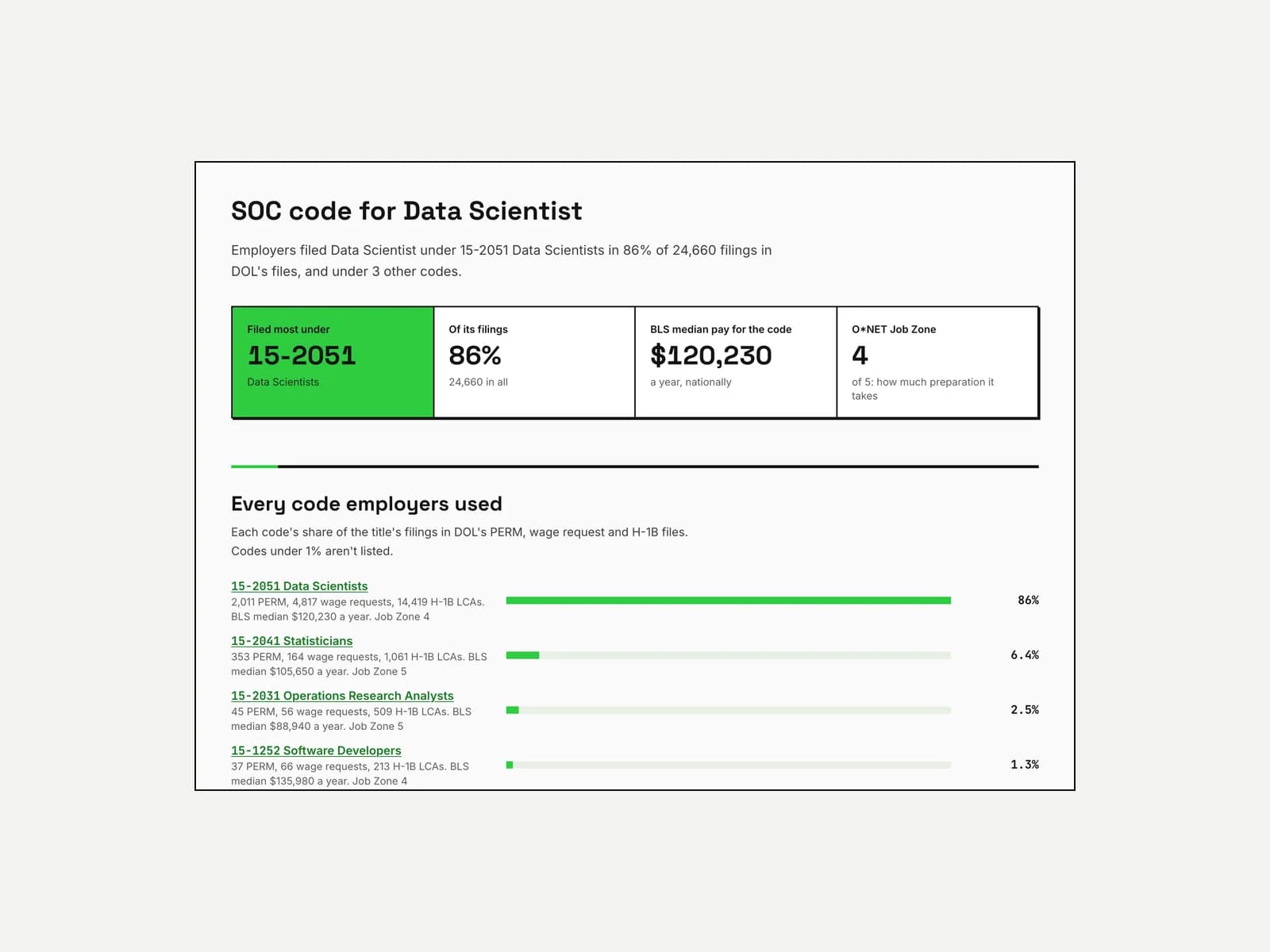
Type the title the way your offer letter writes it. "Senior" and "III" don't change the answer: the finder counts "Sr. Software Engineer III" and "Software Engineer" as one title. Each common title also has its own page, such as Data Scientist, with every code employers used for it.
What a code's page shows
Each code opens a page of its own. It shows what the job is and what DOL's files say about it:
- What the job involves: ONET's description and its core tasks, most important first, and the job's Job Zone, ONET's measure of how much preparation it takes.
- What it pays: the median wage employers offered in decided PERM cases, beside BLS's market pay and DOL's four wage levels.
- How often DOL certifies it: the share of decided PERM cases certified, shown once 30 cases are decided.
- How employers title it: the job titles filed under the code, busiest first, with each one's share.
When one title has more than one code
The code follows the job's duties and requirements. The title doesn't decide it. So when employers split a title between codes, the work is what differs. Data scientists are the clearest case: most go under 15-2051 Data Scientists, but a share go under statistics or operations research, where the work is closer to those jobs.
A very small share under an unrelated code is usually a slip in one filing. The finder doesn't list codes under 1% of a title's filings for that reason.
DOL's National Prevailing Wage Center decides the code on the wage request, from the job description the employer sends. If your job could fit two codes, that's a question for the attorney preparing the case: the code sets the wage, and the wage is what the employer must pay.
Codes from before 2018
BLS revised the SOC system in 2018, and DOL's wage tables switched to the new codes in July 2022. An older LCA or wage determination may carry a 2010 code. Software developers were 15-1132 and 15-1133 then, and became 15-1252, with part of them now under 15-1253 for testers.
Type an older code into the finder and it shows the codes it became. The wage level tool reads the older years of a job's wages under those 2010 codes, side by side and kept apart.
What to do with the code
Each person in a PERM case uses the code for something different.
If you're hiring
The code shows what the job is usually called and what DOL will ask you to pay. Check the titles other employers filed under it, then the prevailing wage levels for the code in your area: DOL's four levels, read from DOL's own wage search. Once you file, the code and its wage stay with the case, so it's worth settling first.
If you're preparing the case
The code is where the job description starts. PERM Tracker's case app has a SOC code field beside each case's position title, and it ranks the codes employers filed that title under. It also offers O*NET's description and tasks for the code as a starting job description, which you can take, trim or leave. The description in the ads and the ETA-9089 is still the employer's own, and its requirements must be normal for the job unless business necessity justifies more.
If you're the worker
The code's tasks show the words this job usually goes by. Reading them helps you see which of your past duties match the job, so you can ask former employers for experience letters that describe that work. A letter has to describe what you actually did, in your words and theirs. The tasks guide you to the job, so don't copy them as a script.
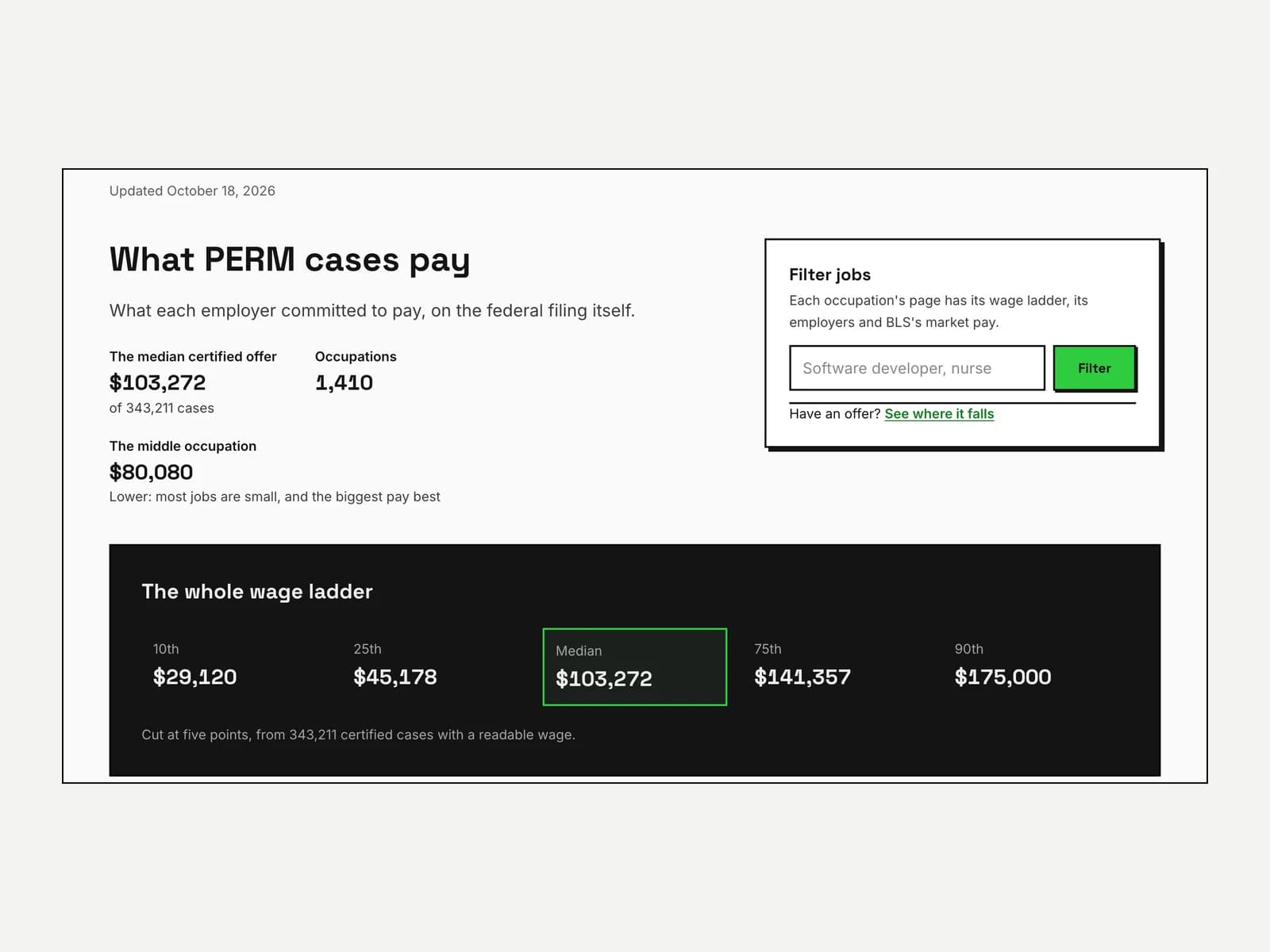
Two other pages take the code too: find a sponsor lists employers that filed PERM cases for the job, and PERM wages by occupation shows what certified PERM jobs under each code offered.
What this can't tell you
The finder can't tell you which code your own job should use. It shows what employers filed for the same title, and the title is only part of what decides the code. It also can't show a pending case's code, because DOL's live record doesn't carry one: that comes with the decided record in DOL's quarterly file.
O*NET describes the job in general. Start from its description, then make it the employer's: what's filed has to be true of the job being offered.