Updated
PERM Tracker for Chrome
Open a job posting and see whether that employer sponsors green cards and H-1Bs, from the Labor Department’s own files, without leaving the page. Free, and it sends only the employer’s name.
On the Chrome Web Store soon, free.
 PERM Tracker
Google LLC
- PERM cases published
- 1,617
- Certified
- 99.8%of decided cases
- Waiting at DOL now
- 28
- Newest PERM filing
- Nov 18, 2026
- H-1B applications (LCAs)
- 66,768
From DOL's published files (through Jun 30, 2026) and its live case status.
A sponsor on file
Open a posting and the panel names the employer as DOL's files print it, with what it has filed.
- PERM cases published
- Green card labor certifications in DOL's quarterly files: decided cases only.
- Certified
- The share DOL certified, once there are 30 or more decided.
- Waiting at DOL now
- Its cases still open in DOL's live case status, checked every day.
- H-1B applications
- Labor condition applications, the first step of an H-1B. They aren't the visa itself.
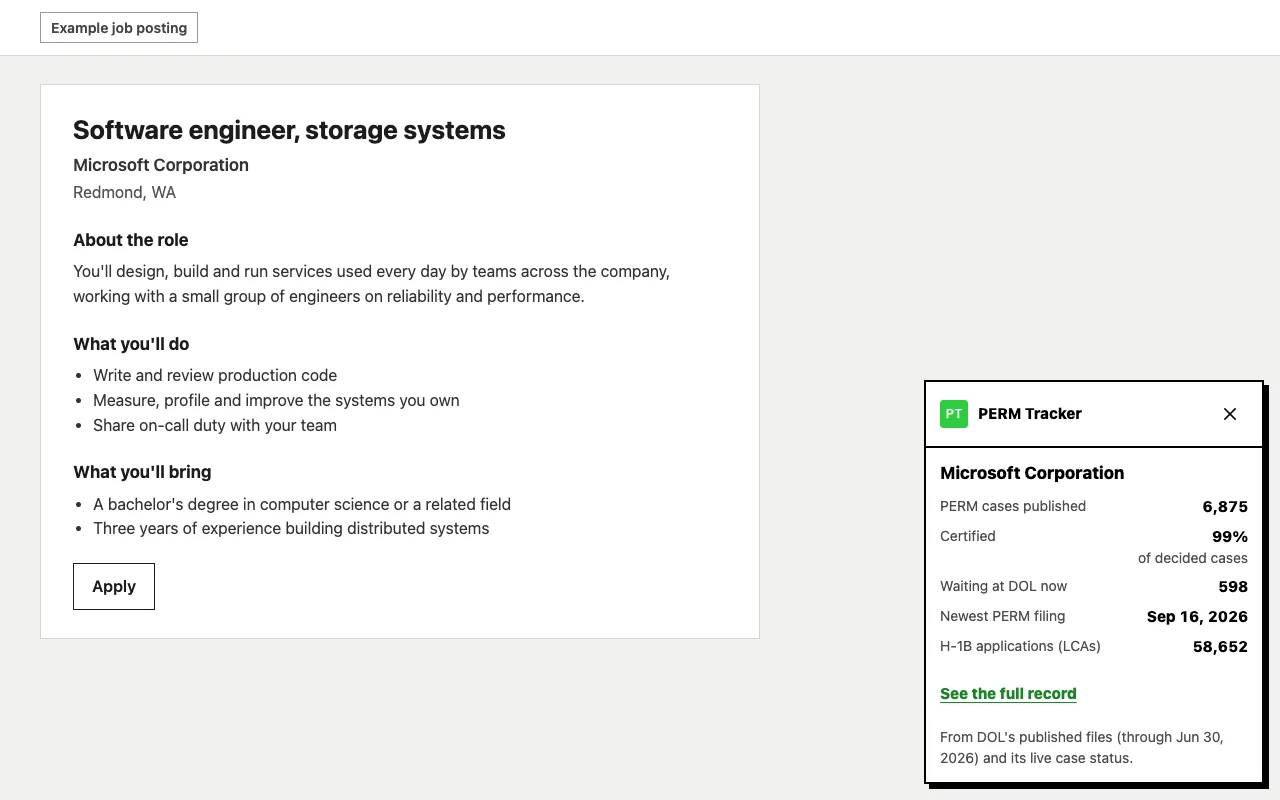
A possible match
A brand like Amazon files under several legal names. The panel picks the busiest employer whose name starts with the posting's, and names it.
- The name it chose
- Shown at the top, with a note to check it's the same company.
- The figures
- That employer's own record, never a sum of every name that looks alike.
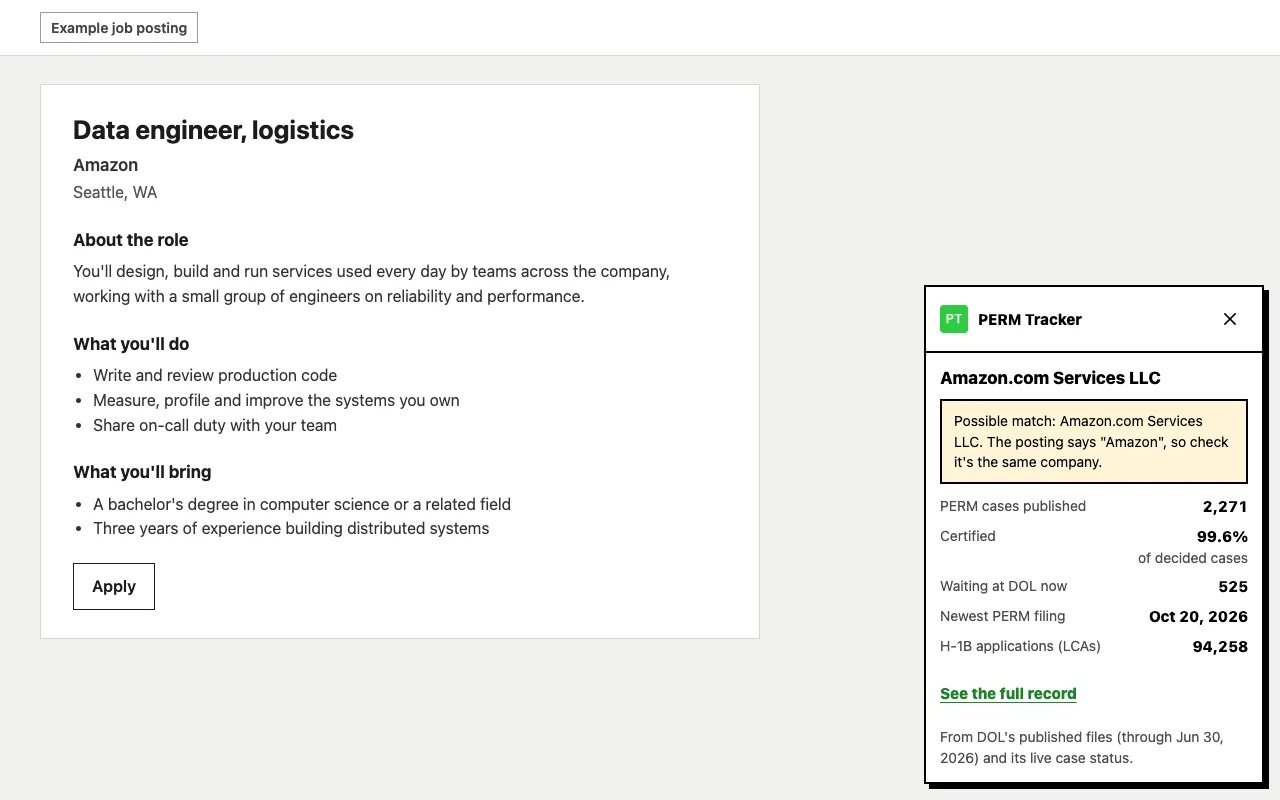
No record under that name
Nothing in DOL's files under the name on the posting. Companies often file under their legal name, so it may still sponsor under another.
- What it doesn't say
- That the company won't sponsor. A missing record is only a missing name.
- Where to look next
- A link to search this site for the legal name.
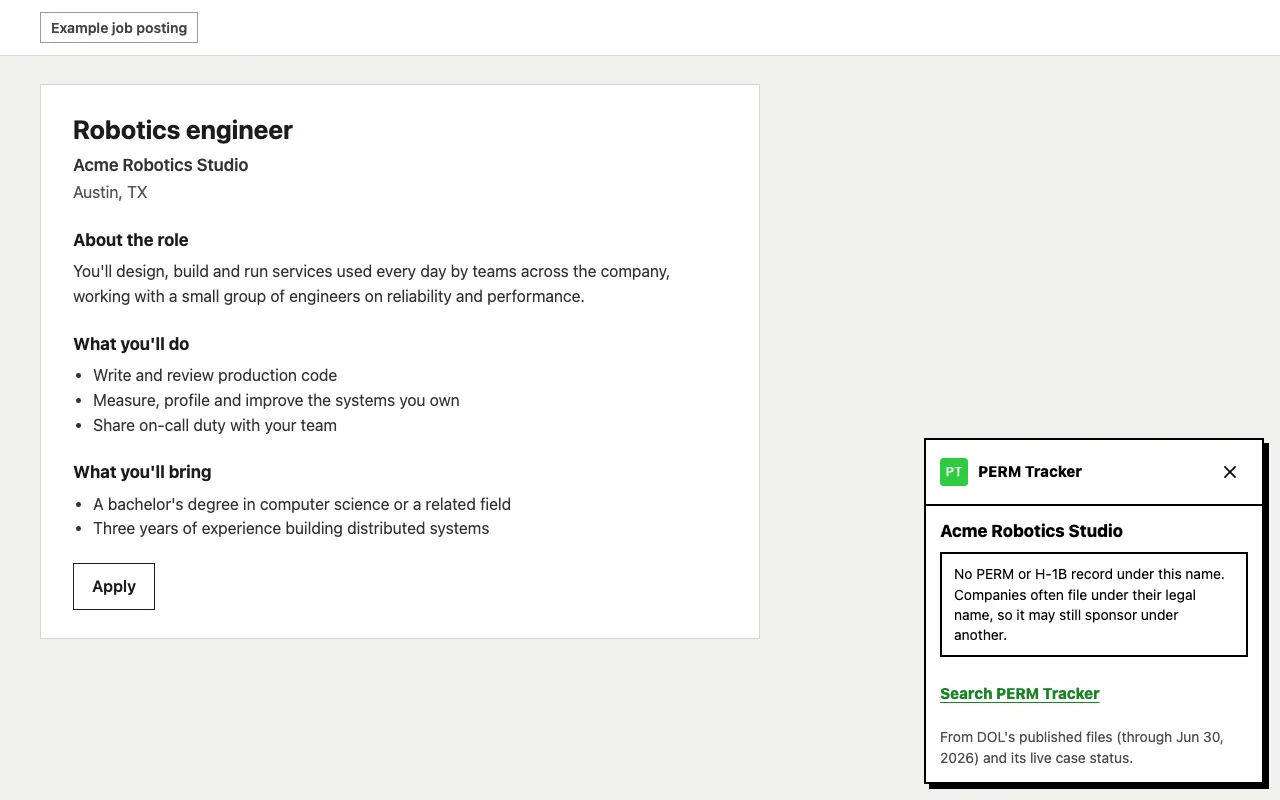
Where it works
-
On its own
LinkedIn, Indeed, Glassdoor, Handshake and Wellfound. The panel opens at the bottom right of a posting.
-
With a click
Any other job page that names its employer for search engines, which covers Greenhouse, Lever, Ashby, Workday and most company career sites. Click PERM Tracker in the toolbar.
Privacy
- What's sent
- The employer's name as the posting prints it, to permtracker.app. With it, the extension's version number.
- What isn't
- The page's address, the job's title or text, anything you type, your browsing, and cookies: the request carries none, signed in or not.
- What's kept
- Each answer, in your browser's session storage for six hours, so going back to a posting doesn't ask again. It's cleared when the browser closes.
- On our side
- A daily count of lookups. Like any site, our web server keeps a request log for 14 days, and each line holds your connection's address and the name asked about. Nothing ties a lookup to an account, and nothing else is kept. Requests reach us through Cloudflare, like every visit to this site.
- Tracking
- None. There are no analytics, no ads and no third parties.
What it asks Chrome for, and why
- Read the five job sites
- To read the employer's name on a posting. On LinkedIn the whole site is matched, since it opens a posting from the feed without a new page. Anywhere that isn't a posting, nothing is read.
- Active tab, and scripting
- Only when you click the toolbar button on another job page: it reads that one page's posting, once.
- Storage
- The six-hour session cache above.
- permtracker.app
- The one server it asks.
The rest of how this site handles data is in the privacy policy. Questions go to support@permtracker.app.
Building your own?
The extension asks one endpoint, /v1/lookup/employer, and it needs no key. It’s documented with the rest of the API. PERM Tracker isn’t affiliated with the U.S. government, and nothing here is legal advice.