Updated
Every PERM deadline, worked out from the dates you enter
Free case management for immigration attorneys and their teams. Enter a case's dates once; the deadlines, reminders and calendar follow.


Every case on one line
The timeline draws each case from its wage request to the I-140 with today marked, so a crowded month shows before it arrives.
- Coloured by stage: wage determination, recruitment, ETA 9089, I-140
- Dates too close to tell apart share one numbered square
- Three months to two years at a glance, opened at today


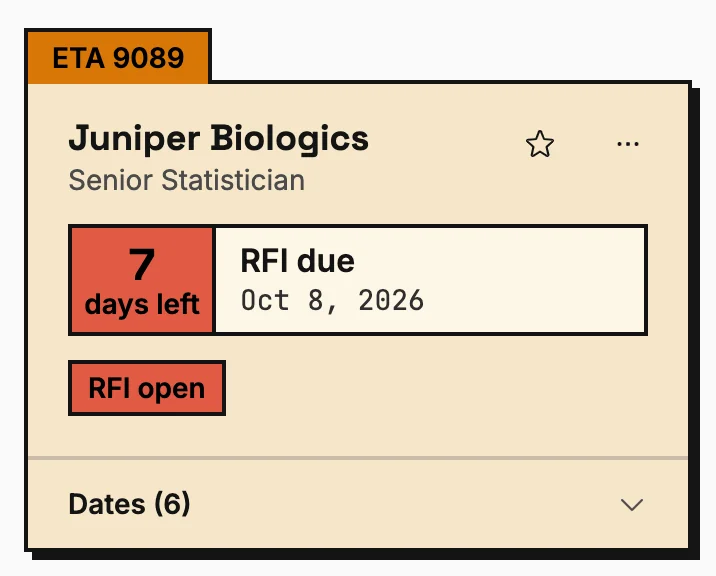
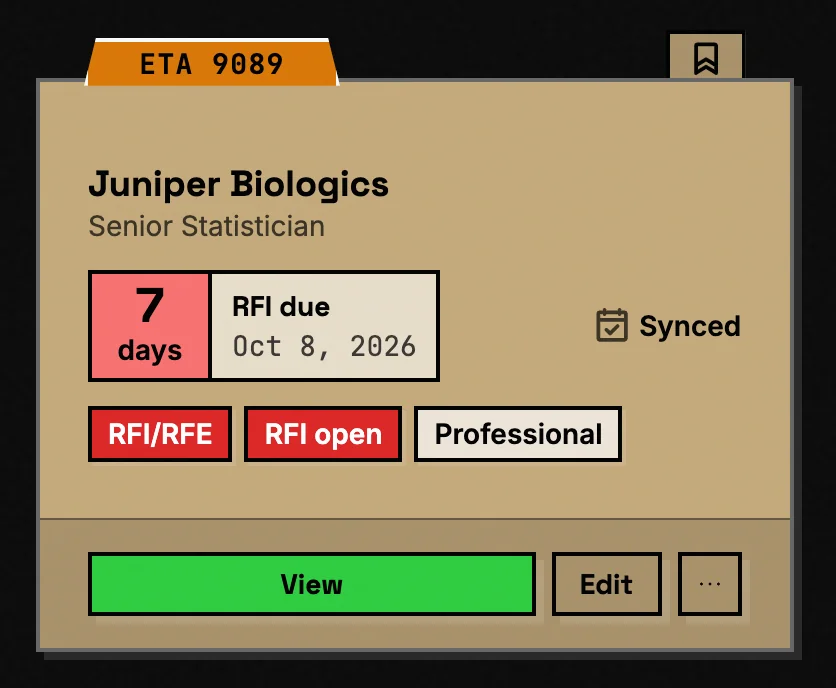
Each case on a card
Stage, next deadline and days left at a glance, with filters, sorting, search and bulk actions.
- Sorted by the next deadline unless you choose otherwise
- Import cases from a JSON file, export to CSV or JSON
- Calendar sync switched on or off per case


One page for the whole case
What to do next, every step done and still ahead, the wage determination and the recruitment report.
- The next action and its due date at the top
- Every milestone from the wage request to the I-140
- The recruitment summary written out for the ETA 9089, ready to copy


Type the dates. The rest is worked out.
Enter the determination date and the wage expiration fills in. Start the job order and its end date, the notice period and the filing window follow.
- Every date checked against 20 CFR 656 as you type
- An impossible date is stopped with the reason, such as a filing inside the 30-day quiet period
- Worked-out fields are marked, and yours to change


You enter
- Wage determination Mar 16, 2026
- Job order and notice posted Apr 6, 2026
- First Sunday ad Apr 12, 2026
- Second Sunday ad Apr 19, 2026
It works out
- Apr 20, 2026 Notice of filing can come down 20 CFR 656.10(d)
- May 5, 2026 Job order can come down 20 CFR 656.17
- Jun 4, 2026 Filing window opens 20 CFR 656.17
- Jun 30, 2026 Wage determination expires 20 CFR 656.40(c)
- Oct 3, 2026 Filing window closes 20 CFR 656.17
When DOL certifies it, you enter May 17, 2027
- Nov 12, 2027 Last day to file the I-140 20 CFR 656.30(b)(1)
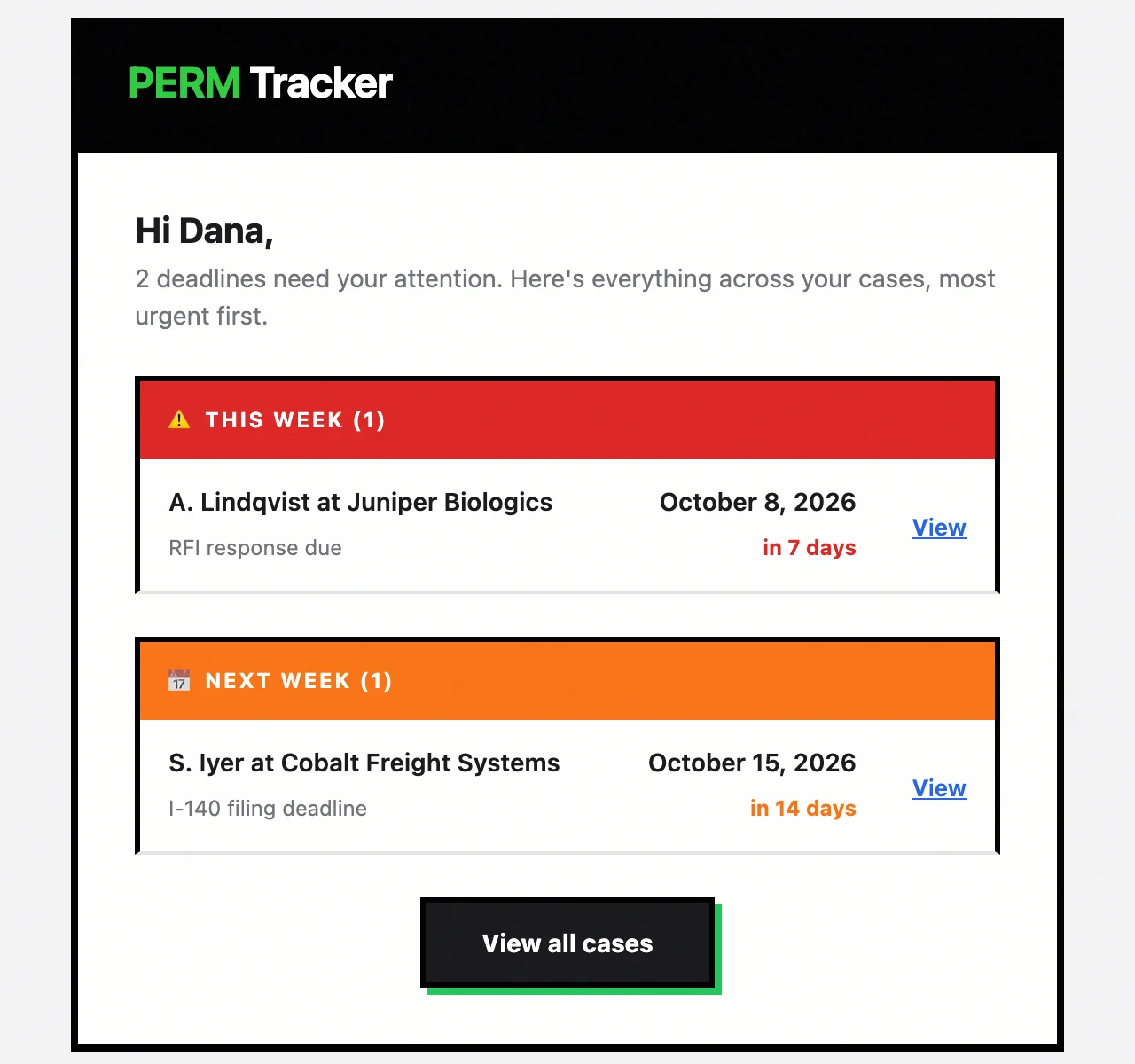
Reminders before every deadline
30, 14, 7, 3 and 1 day out by default, in the app and in one email a day with the most urgent first.
- Your own reminder days, set in Settings
- Browser notifications if you want them
- Every reminder links to its case


On your calendar, too
Month, week, day and list views of every deadline, and each one sent to Google Calendar once you connect it.
- Each kind of deadline switched on or off
- Events move when a date changes
- Switching a kind off removes its events


Ask about your caseload
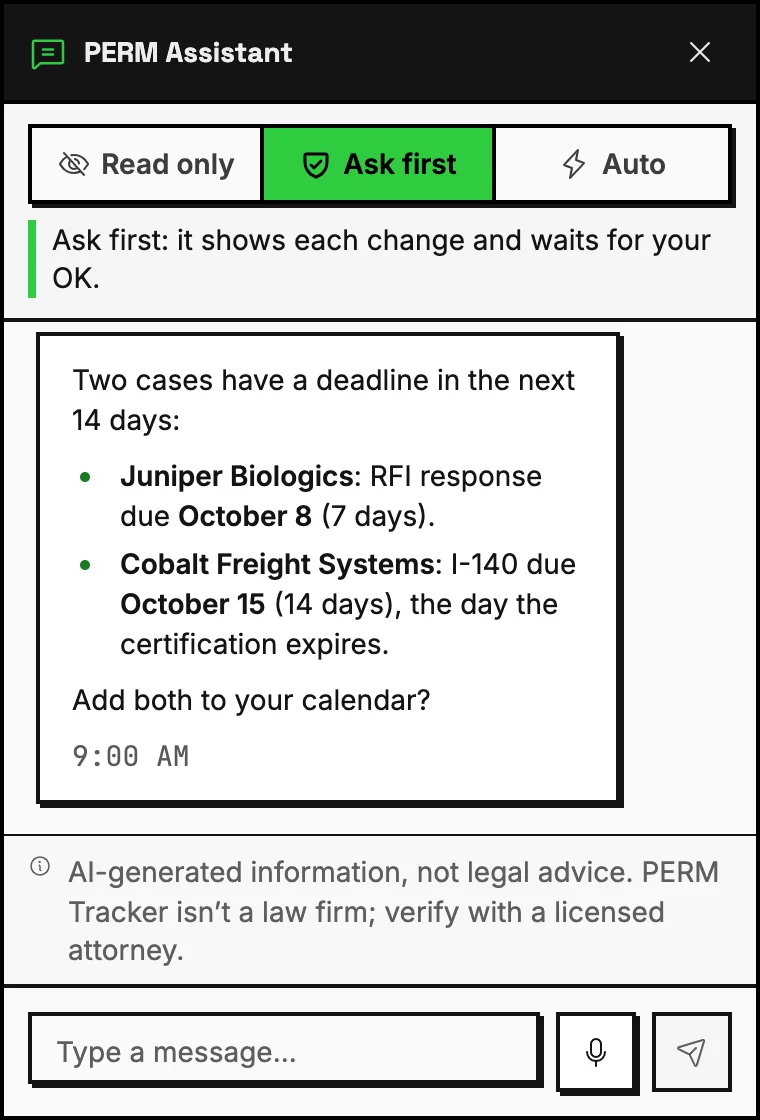
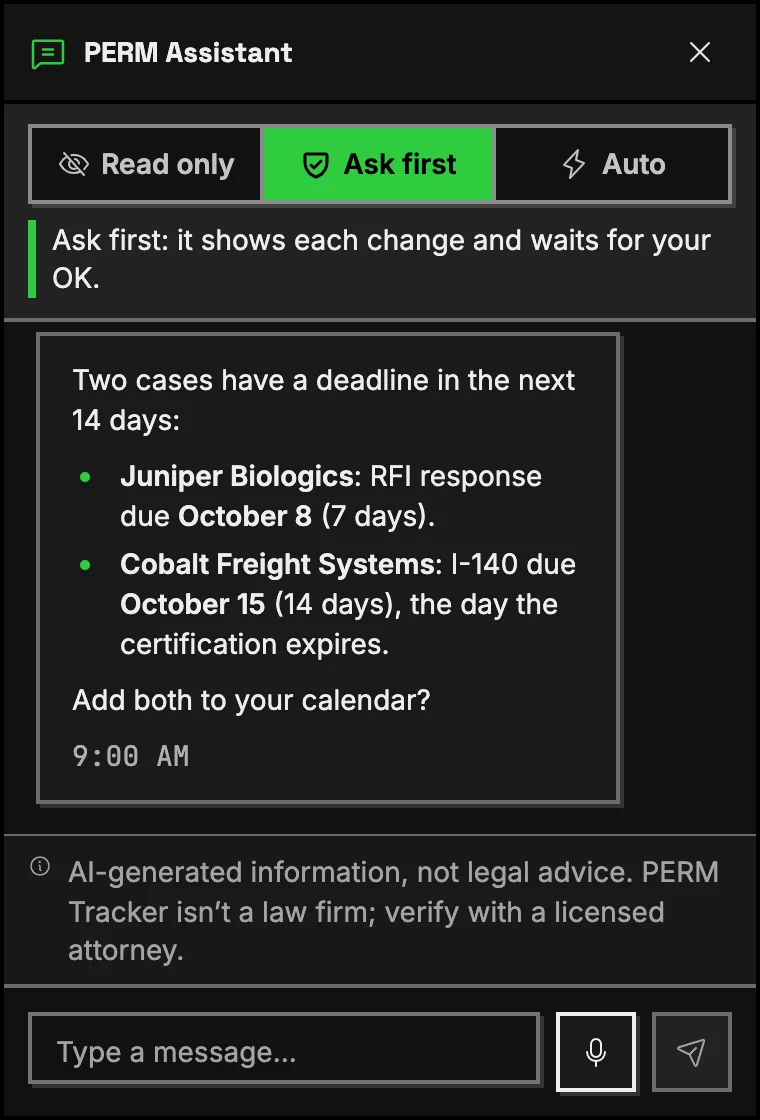
The assistant reads your cases and answers in plain words. It can update a case or sync a calendar, and asks before it changes anything.
- Finds cases by stage, deadline or employer
- Asks first before every change
- Says plainly that it isn't legal advice
Put PERM Tracker on your firm's site
Clients check their own case on your page. Free, and it links back to their full record.
A badge for a verified firm
- 1 Claim your firm's page
- 2 We check the claim
- 3 Paste the badge
It says “Verified firm” only after we've confirmed the claim, and links to your record.
What a missed deadline costs
PERM deadlines are counted in days. These are the 5 that lose a case, and what the app does about each.
-
RFI response
DOL's request for information gives 30 days. A late answer and the case is denied.
Due date set from the RFI date, with reminders 30, 14, 7, 3 and 1 days before.
-
Wage determination expiry
A prevailing wage determination expires under 20 CFR 656.40(c). Recruitment has to begin before it does, or the case starts over.
Expiry worked out from the determination date under DOL's rules, and the day recruitment has to begin by.
-
ETA 9089 filing window
It opens 30 days after the last recruitment step and closes 180 days after the first. Miss it and recruitment is redone.
Open and close dates from the recruitment dates and the wage expiry.
-
I-140 filing
A certification is valid for 180 days (20 CFR 656.30). Miss it and the labor certification lapses.
The last filing day, as DOL prints it, set from the certification date.
-
Recruitment timing
Sunday ads, the job order and the notice of filing each have their own timing rules. A gap invites an audit.
Every step dated, business days counted where the rule says so.
Your client data, protected
- Sensitive fields encrypted
- AES-256-GCM on the employer's FEIN and on sign-in tokens
- Database
- Convex, which holds a SOC 2 Type II report
- Session
- Signed out after 30 minutes without activity
- Isolation
- Each account's cases are visible to that account only
- Export
- Every case as CSV or JSON, at any time
We don't sell your data or train AI on it.
Check a case, or track a caseload
Both free. The lookup needs no account; the app takes a few minutes to set up.