You know who filed it and roughly when. You do not have the number, and the person who does is not answering. The search here takes the employer name, and if that is not enough on its own, a word from the job title and the month it went in.
The companion guide, how to find your PERM, PWD or LCA case number, covers what each prefix means and why asking the employer is still the fastest route. This page is the walkthrough: which search to open, how the matching actually works, and where it comes up empty.
Which search covers which filing
One search covers all three: type the employer once and you get the PERM, the wage request and the LCA together, open cases included, filtered by job title, filing month or outcome and sorted on any column.
Each program also has its own page, and the table below is why you might want one: the three do not reach equally far back.
| Filing | Number starts with | Search page | How far back the employer search reaches |
|---|---|---|---|
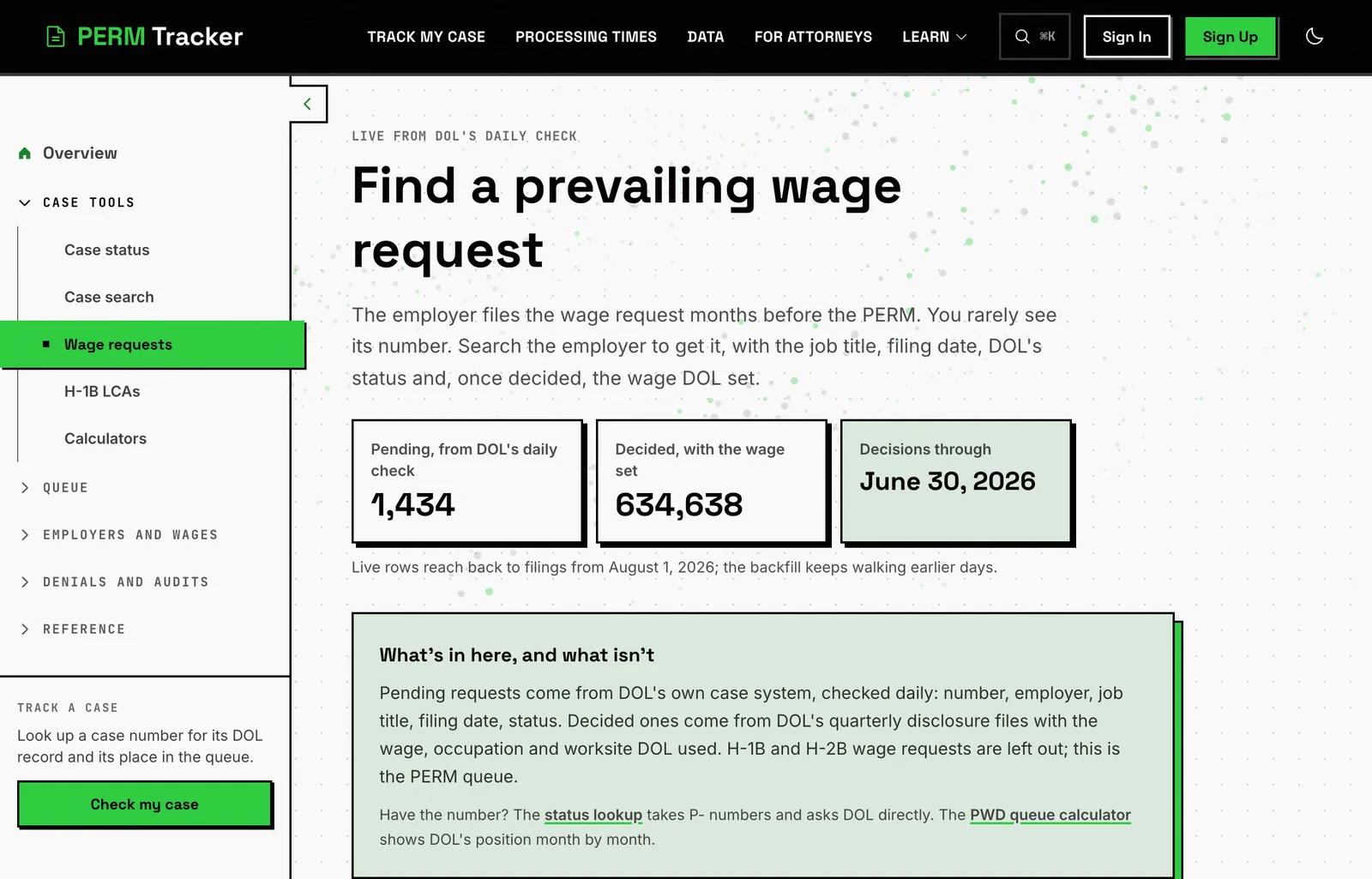
| PERM (ETA-9089) | G-100-, older ones A- | /perm-cases | decided cases filed back to 2017, plus everything newer than the last published file |
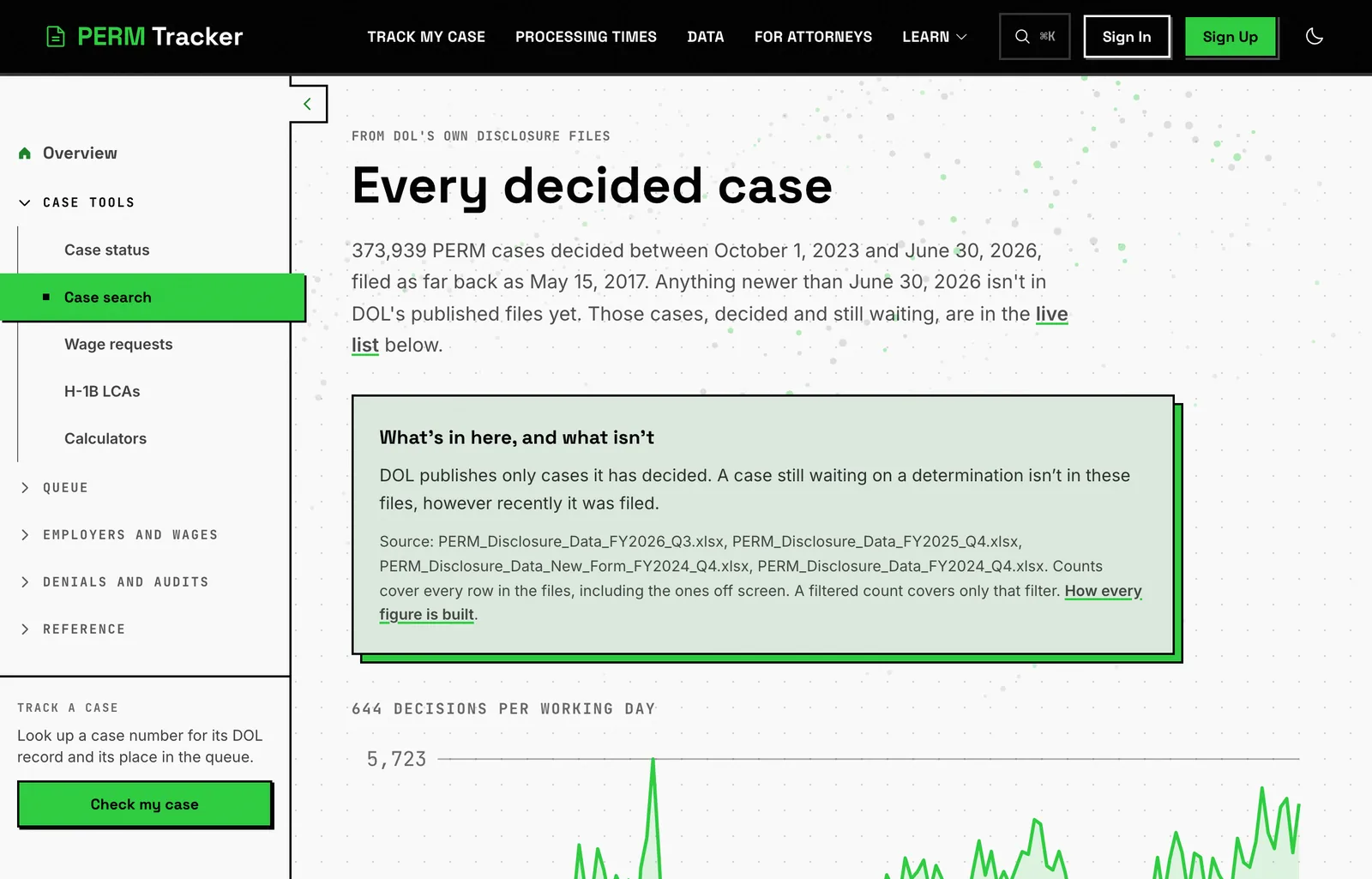
| Prevailing wage request (ETA-9141) | P-100- | /pwd-cases | decided requests received from 2021, plus the live rows the nightly walk has reached |
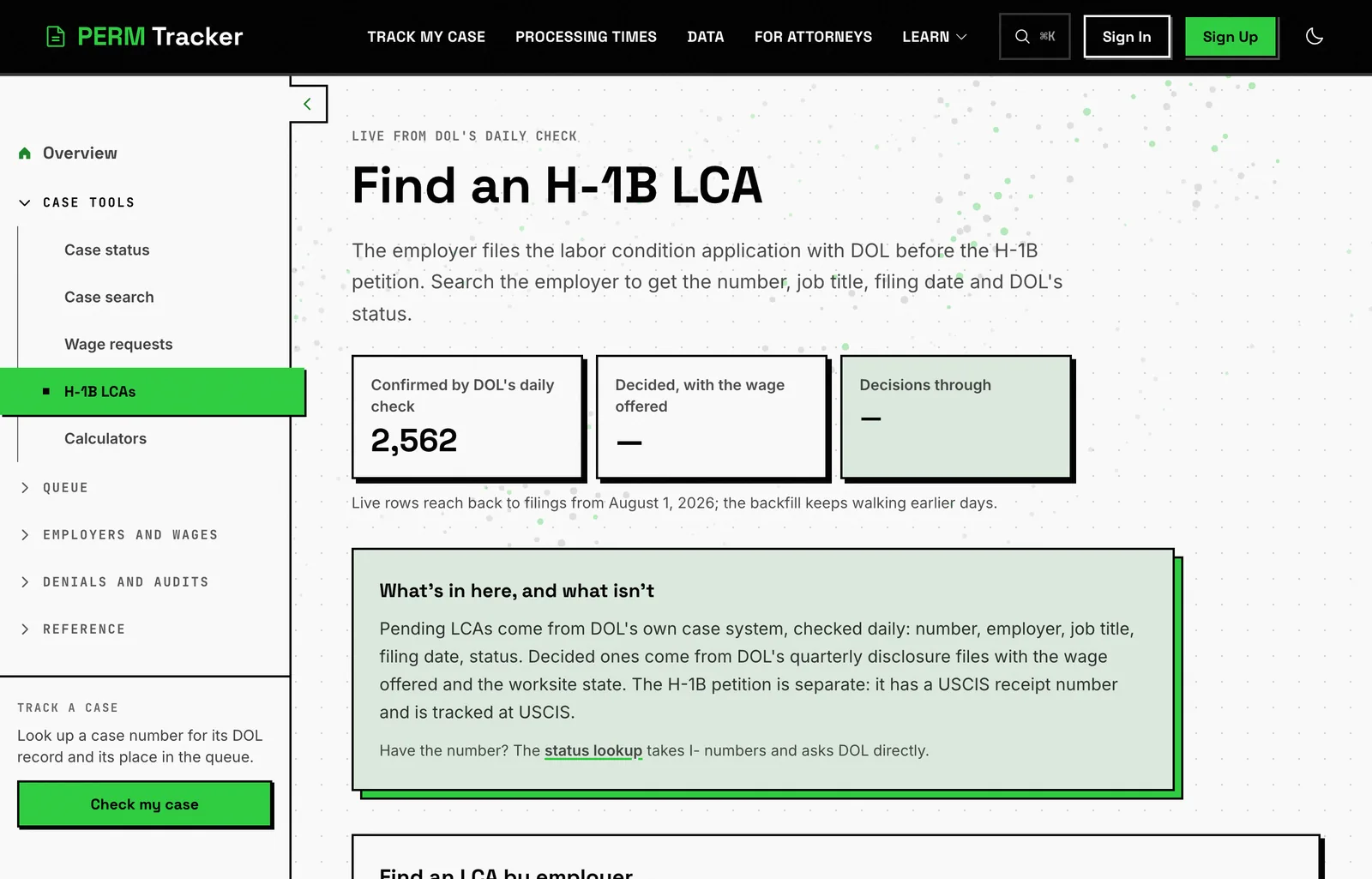
| H-1B labor condition application (ETA-9035) | I-200-, I-203- | /lca-cases | live rows only, and the walk backwards is still running |
No account is needed for any of them.
The search, step by step
Open the page that matches the filing
Use the table above. If you are not sure which form was filed, the wage request comes first, the PERM follows it, and the LCA belongs to an H-1B rather than the green card.
Type the start of the employer's legal name
Not the brand, the legal name on the offer letter or the pay stub. Short is better than complete, for the reason in the next section.
Add a job title word if the list is long
The field is "Job title contains", so one distinctive word does the work. "Engineer" and "Analyst" will still leave hundreds of rows. "Radiologic" or "Actuary" will not.
Set the filing month range
"Filed from" and "Filed to" take a month each. If you know the quarter, set both ends of it rather than guessing a single month.
Read the row
Each result carries the case number, the employer, the job title, the filing date and DOL's current status. Copy the number.
Why a shorter employer name works better
The match runs against the start of the name DOL recorded, and DOL keeps whatever the employer typed on the form. That has two consequences.
A word from the middle will not find it. Searching "Services" will not return "Amazon.com Services LLC", because the match starts at the beginning of the name.
And the parts most likely to differ sit at the end. "LLC", "L.L.C.", "Inc." and "Corporation" all appear, sometimes for the same company in different quarters. Cut them. Type the first distinctive word or two and let the list be longer than you wanted.
What to do when the employer files a lot
Large sponsors file hundreds of cases a month, so the employer name on its own returns a wall. Three things narrow it.
The job title word is the strongest filter, because DOL stores the title the employer wrote and those are specific. The month range is the second. On PERM only, you can also search by law firm instead of employer, which helps when you know who prepared it but not which entity signed.
If the list is still too long to read, you are probably looking for a case that has not been decided yet. Those are all in the live half of the page, and there are far fewer of them.
What comes back, and what a live row is missing
A row from DOL's daily case check and a row from DOL's published files are not the same record.
| Live row, from the daily check | Published row, from DOL's quarterly file | |
|---|---|---|
| Case number, employer, job title, filing date, status | yes | yes |
| The wage | no | yes |
| Law firm, worksite state, decision date | no | yes |
That is DOL's doing, not a gap in the ingest. DOL names the law firm and the wage at publication, so a case still waiting has neither, anywhere.
What this cannot tell you
- It cannot find you by name. Nothing in DOL's public record here carries the beneficiary. You are matching on employer, title and month, and if the employer filed six similar jobs in one month, the search cannot say which row is yours. The employer and its attorney can.
- An older LCA may not be there. That half is live-only, it reaches back to filings from August 2026, and the walk through earlier ones is still running. The number itself still works in the lookup.
- A filing from today is not there yet. Everything refreshes daily from DOL. Not instantly.
- No wage, firm or worksite on a pending case, per the table above.
- Nothing about why. No audit letter, no RFI text, no reasoning. Those go to the employer and its attorney.
- Any date on the site is an estimate, and our own median error against real outcomes runs around 50 days.
Once you have the number
Paste it into the case status lookup. The same box takes all three prefixes, pending cases included. If the number is not already held, the site asks DOL's own case system at that moment and records the answer.
You can leave an email address there and hear when the status changes. It works for all three programs, it confirms the address first, it sends one email per change, and it needs no account.
Related
- How to find your PERM, PWD or LCA case number, for what each prefix means
- How to check your PERM case status, for what each status word means
- Tracking a prevailing wage request, for the
P-side in detail