This guide is for the attorney, paralegal or HR lead drafting a PERM job description. Many firms start from a past case's description, or from a code a colleague remembers. PERM Tracker's free case app starts from the case's own SOC code instead: it ranks the codes employers filed the position title under in DOL's files, and offers O*NET's description and core tasks for the code as a draft to take, trim or leave.
Start from the code
The code comes first because the wage follows it. The National Prevailing Wage Center assigns the code from the job described on the ETA-9141, and DOL's four wage levels are set per code and area. A description written before the code is settled can drift toward a job with a different wage.
Settle it from what employers filed. Type the position title into the job code finder and it lists the codes employers used for that title, with each one's share, so an unusual pick stands out before it's on a form. Each code's page shows O*NET's tasks, the median wage employers offered and the titles they used.
Duties from the job, requirements from the employer
O*NET's tasks describe what people in the occupation do, which makes them a fair start for the duties. They say nothing about the employer's requirements, and the case app never writes requirements into the draft.
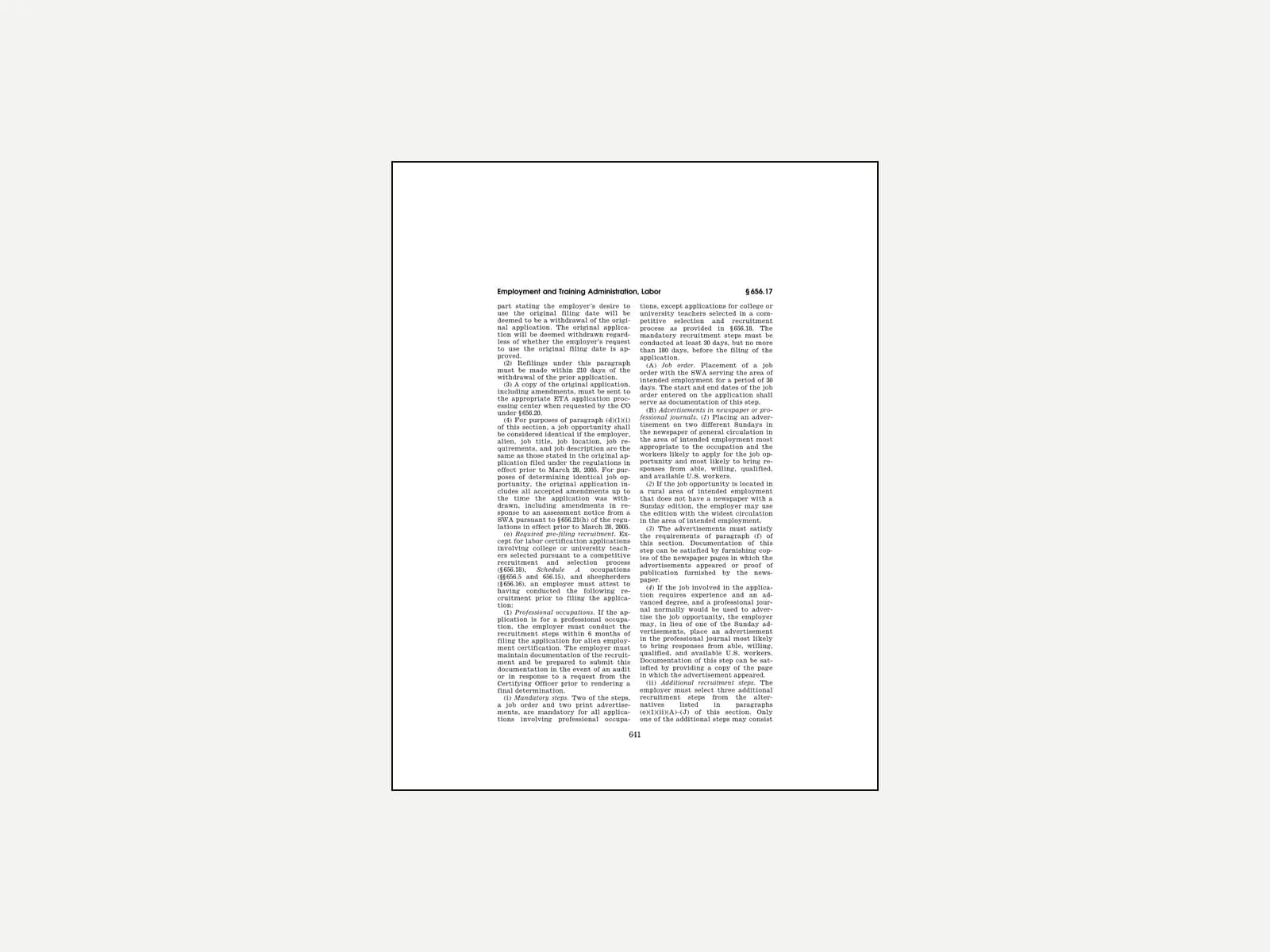
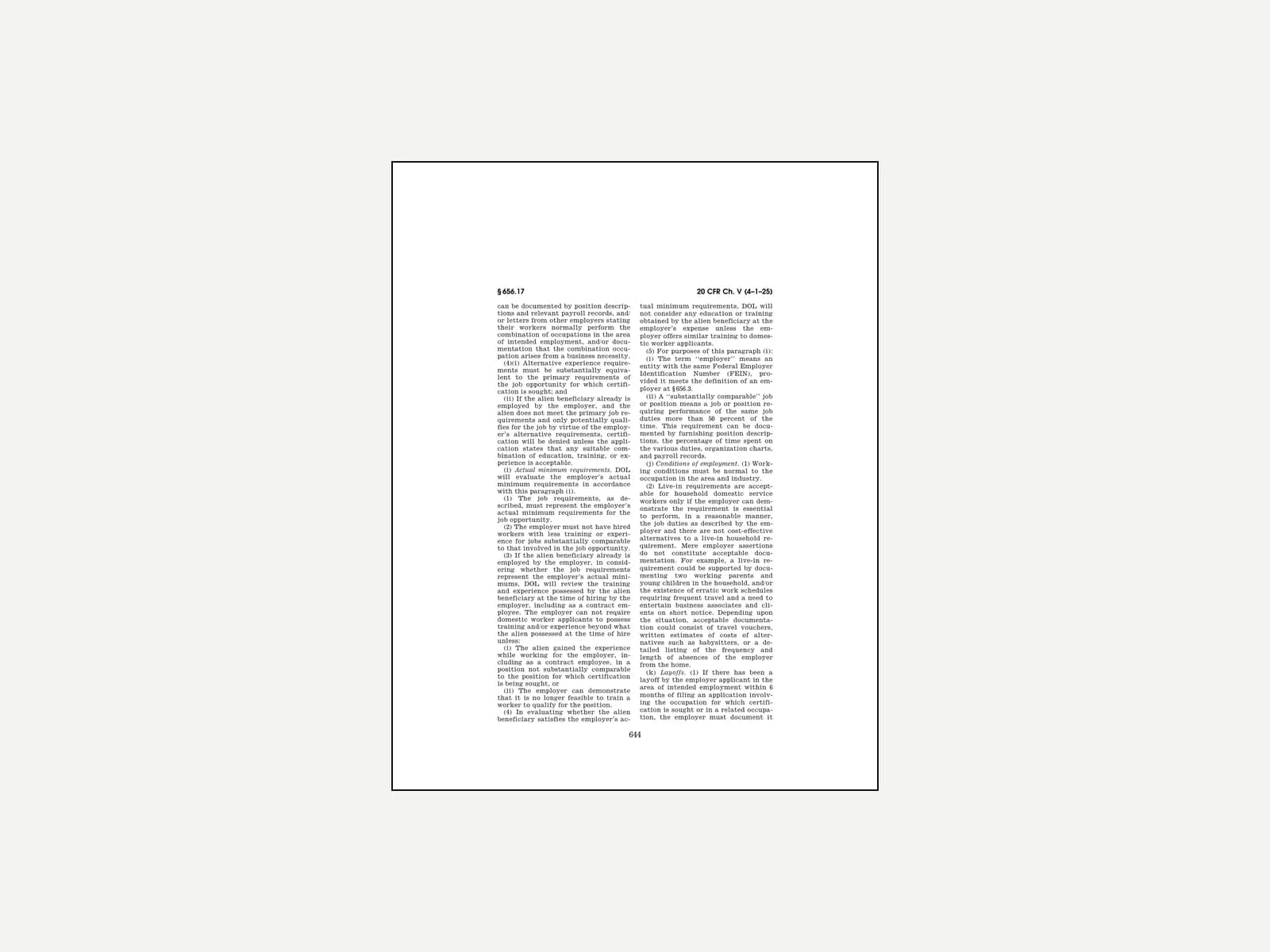
The requirements are the employer's to state, and the rule is strict about them. "The job requirements, as described, must represent the employer's actual minimum requirements for the job opportunity." 20 C.F.R. § 656.17(i)(1) (2025). They must also be normal for the occupation: unless documented as a business necessity, they "must not exceed the Specific Vocational Preparation level assigned to the occupation as shown in the O*NET Job Zones." § 656.17(h)(1).
That's why the app shows the code's Job Zone beside the draft. A requirement above the zone isn't barred, but it needs the business-necessity record before the case is filed.
One job, the same words everywhere
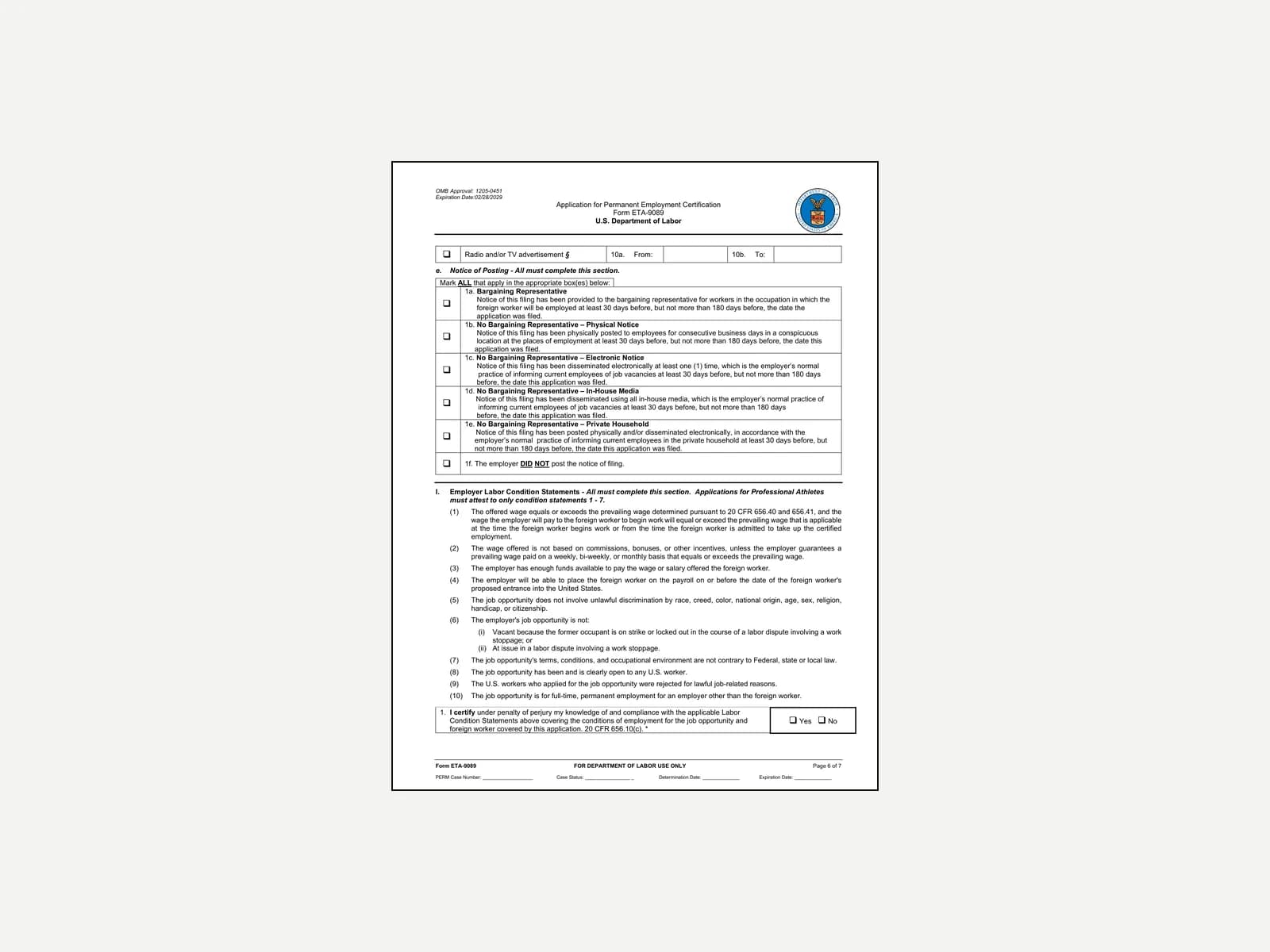
The description is read four times: on the ETA-9141, in the ads, in the notice of filing and on the ETA-9089. The ads must "[p]rovide a description of the vacancy specific enough to apprise the U.S. workers of the job opportunity" and must "[n]ot contain any job requirements or duties which exceed the job requirements or duties listed on the ETA Form 9089." § 656.17(f)(3), (6). And the notice of filing "must contain the information required for advertisements by § 656.17(f)." § 656.10(d)(4).
Write it once and trace every version back to that text. The case app keeps the description on the case, beside its code and dates, and saves it as a template for the next case with the same job.
How the draft works in the app
On a case with a SOC code, the job description section offers the code's description and its tasks, every task ticked. Untick what doesn't fit and add the rest. If the case already has words, the draft goes after them or replaces them after a confirmation. Undo puts the old words back. The code's card on the case page links to its page in the SOC code database, with the median wage, the titles employers used and how often DOL certifies the job.
What this can't tell you
The finder shows what employers filed. It can't say which code the National Prevailing Wage Center will assign to a particular job. O*NET's tasks describe the occupation in general, and the employer's position is its own. The Job Zone is a guide to what's normal for the job. Whether a particular requirement needs business necessity, and whether a description is specific enough, are the attorney's calls.