This guide is for the attorney, paralegal or HR lead who keeps PERM cases in a spreadsheet. It gives a template with a column for every date a case runs on, and the formulas that hold up. Then it covers the rules a spreadsheet gets wrong, and how to move the sheet somewhere that checks them. PERM Tracker's free case app for professionals imports the same sheet as a CSV file and works out every recruitment, filing and I-140 date from it.
The short answer
A spreadsheet holds the dates well. It breaks on the rules between them: the business days, the windows that depend on other windows, and a wage determination that limits the filing only in some cases. Type what DOL and the newspapers give you, compute as little as you can, and check every derived date against the rule.
The template
Download the template as a CSV file. Excel, Google Sheets and Numbers all open it. Each row is one case, and each column is a date or a fact you type from a document.
| Column | What goes in it | Where it comes from |
|---|---|---|
| Employer, Foreign worker, Job title, SOC code | Who the case is for and the job | Intake, and the wage request's job section |
| Internal case number | Your own file or matter number | Your office |
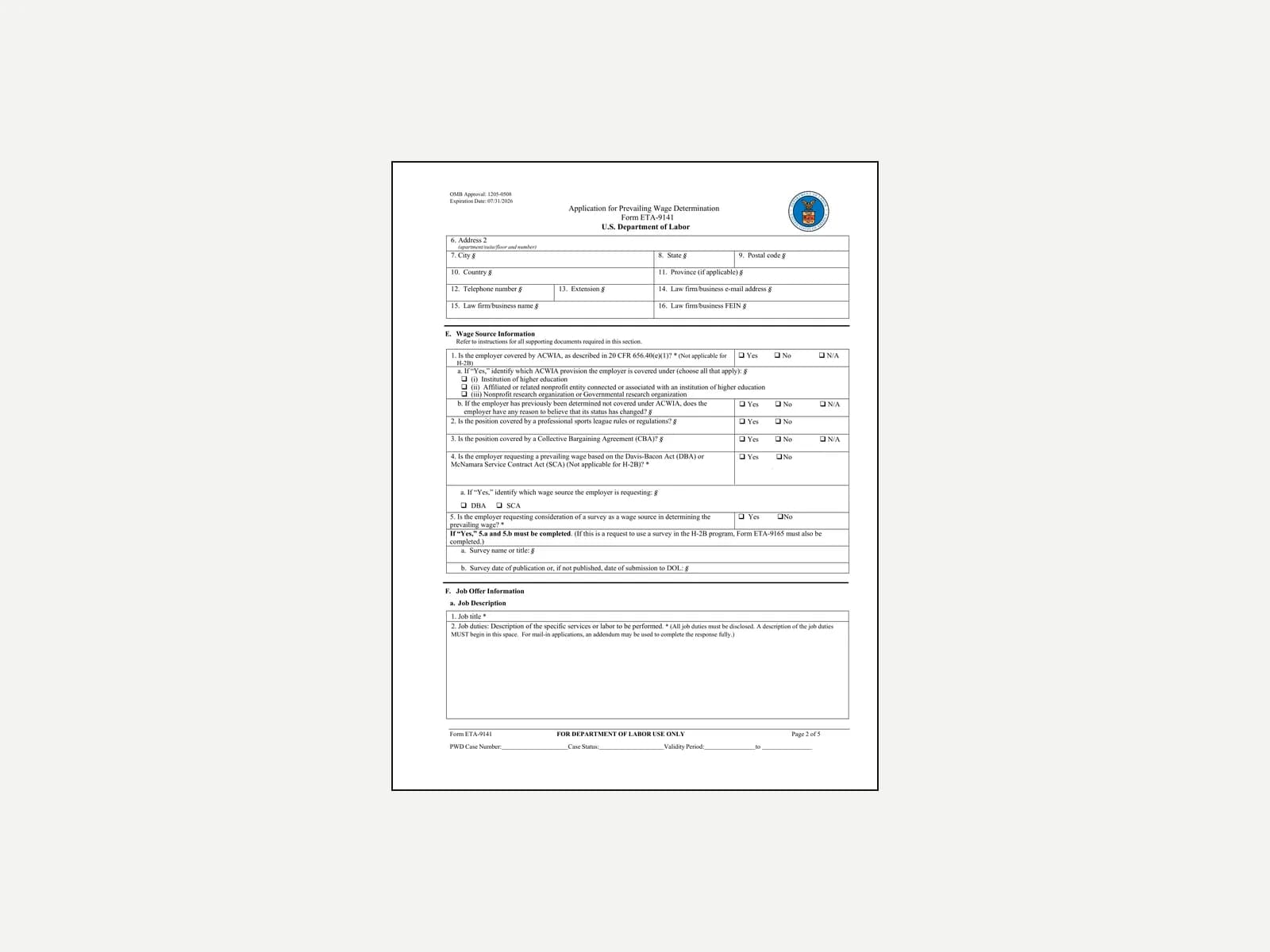
| PWD case number, PWD filed, PWD determination date, PWD expiration date | The wage request and DOL's answer | Form ETA-9141 and the determination DOL issues |
| Wage, Wage level | The prevailing wage and its level | The determination |
| Job order start, Job order end, Job order state | The 30-day state job order | The State Workforce Agency's confirmation |
| First Sunday ad, Second Sunday ad, Newspaper | The two Sunday ads | The tear sheets |
| Notice of filing start, Notice of filing end | The posted notice | The dated copy you keep |
| Professional | Yes when a bachelor's degree or higher is the usual requirement for the occupation (§ 656.3) | The occupation |
| PERM case number, PERM filed, Audit date, Certified, Denied | The ETA-9089 and DOL's decision | DOL's FLAG system |
| I-140 filed, I-140 receipt number, I-140 approved | The immigrant petition | USCIS's receipt and approval notices |
| Notes | Anything else | You |
Type dates as YYYY-MM-DD (2026-05-04). Every spreadsheet sorts that form correctly, and nobody reads it as the 5th of April.
The formulas that hold up
Some dates follow from others by a fixed count. These are the safe ones to compute, with the formula in Excel or Google Sheets. The cell names are examples.
| Date | Rule | Formula |
|---|---|---|
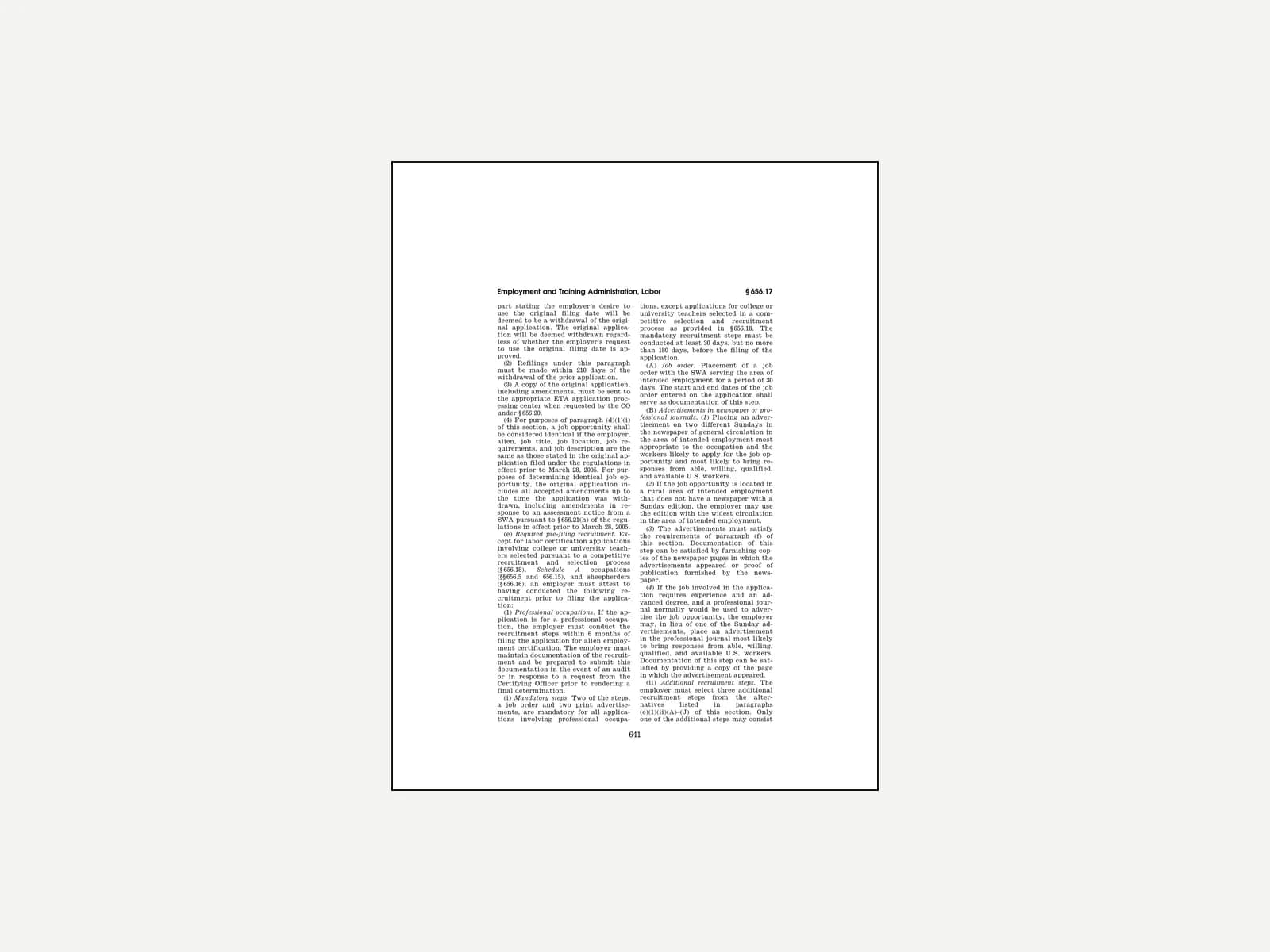
| Job order end | 30 days, the start counted as day 1 (20 C.F.R. § 656.17(e)(1)(i)(A)) | =L2+29 |
| Second Sunday ad | A different Sunday from the first (§ 656.17(e)(1)(i)(B)) | =O2+7, then check it's a Sunday with =WEEKDAY(P2)=1 |
| Notice of filing end | At least 10 consecutive business days (§ 656.10(d)(1)(ii)) | =WORKDAY(R2,10,Holidays), with a range named Holidays listing the federal holidays |
| I-140 deadline | Within 180 calendar days of certification (§ 656.30(b)(1)) | =X2+179, the day DOL prints as the last valid one |
That WORKDAY formula gives the first business day after ten full ones, the same day this site's calculators use, so the notice is never a day short. Without a holiday list it counts a federal holiday as a working day, and the notice comes down too early.
Where a spreadsheet breaks
The filing window is where most sheets go wrong. The mandatory recruitment steps must be done "at least 30 days, but no more than 180 days, before the filing of the application" (§ 656.17(e)(1)(i)), and the notice must "be provided between 30 and 180 days before filing the application" (§ 656.10(d)(3)(iv)). That gives two dates for every case, and each one takes several columns to work out.
| What the sheet has to know | Why a formula gets it wrong |
|---|---|
| The window opens 30 days after the last mandatory step ends | The last step is whichever of the job order, the second ad and the notice ended latest, so the formula needs MAX over three columns and breaks when one is blank |
| The window closes 180 days after the first step | The first step is the earliest of several columns, and for a professional job the three extra steps count too |
| The wage determination can close it sooner | Under [§ 656.40(c)](https://www.ecfr.gov/current/title-20/chapter-V/part-656/subpart-D/section-656.40) the employer must file or begin recruitment inside the validity period. The expiry limits the filing only when recruitment didn't begin inside it, which a MIN() formula can't see |
| One extra step can fall inside the last 30 days | § 656.17(e)(1)(ii) lets one of a professional job's three extra steps take place within 30 days of filing. A sheet that counts every step treats it as late |
| The determination's own expiry | DOL prints it on the determination. Type that date rather than computing it, because the rule sets only a floor and a ceiling |
| What DOL decides, and when | Nothing tells the sheet. A case can move to an audit or an RFI, or be certified, while the row still says filed |
None of this is hard on one case. Across thirty cases, each with its own dates and its own professional flag, a sheet needs a long formula in every row and someone to keep checking it. And it can't email anyone the week a step is due.
Moving the sheet into PERM Tracker
If the sheet has outgrown itself, the same columns import into the free case app. It reads each header, matches it to a case field and shows every case before anything is saved.
Save the sheet as CSV
In Excel, File, Save As, then CSV UTF-8. In Google Sheets, File, Download, then Comma-separated values. In Numbers, File, Export To, then CSV.
Open the import
In the case app, open Cases, then Import / export, then Import cases, and choose the file. Headers like "PWD filed" and "First Sunday ad" match on their own, and so do the column names in the app's own CSV export.
Read the preview
Each case shows with its stage. A column the import can't place, a date it can't read or a case already in your list is named before you import, never dropped.
Check the dates it works out
Once the cases are in, the app works out each one's filing window and deadlines from your dates, and its reminders email the week a step is due.
What this can't tell you
- Whether a recruitment step counts. The template records the dates. Whether an ad or a job order met the rule is the attorney's call.
- A case DOL has already decided. Type the dates from DOL's decision. The template doesn't look anything up.
- Anything about one case. Nothing here is legal advice.
Related
- The PERM filing window, worked on real dates
- The PERM employer questionnaire, for the facts to collect before the first row
- The PERM notice of filing, with a sample notice
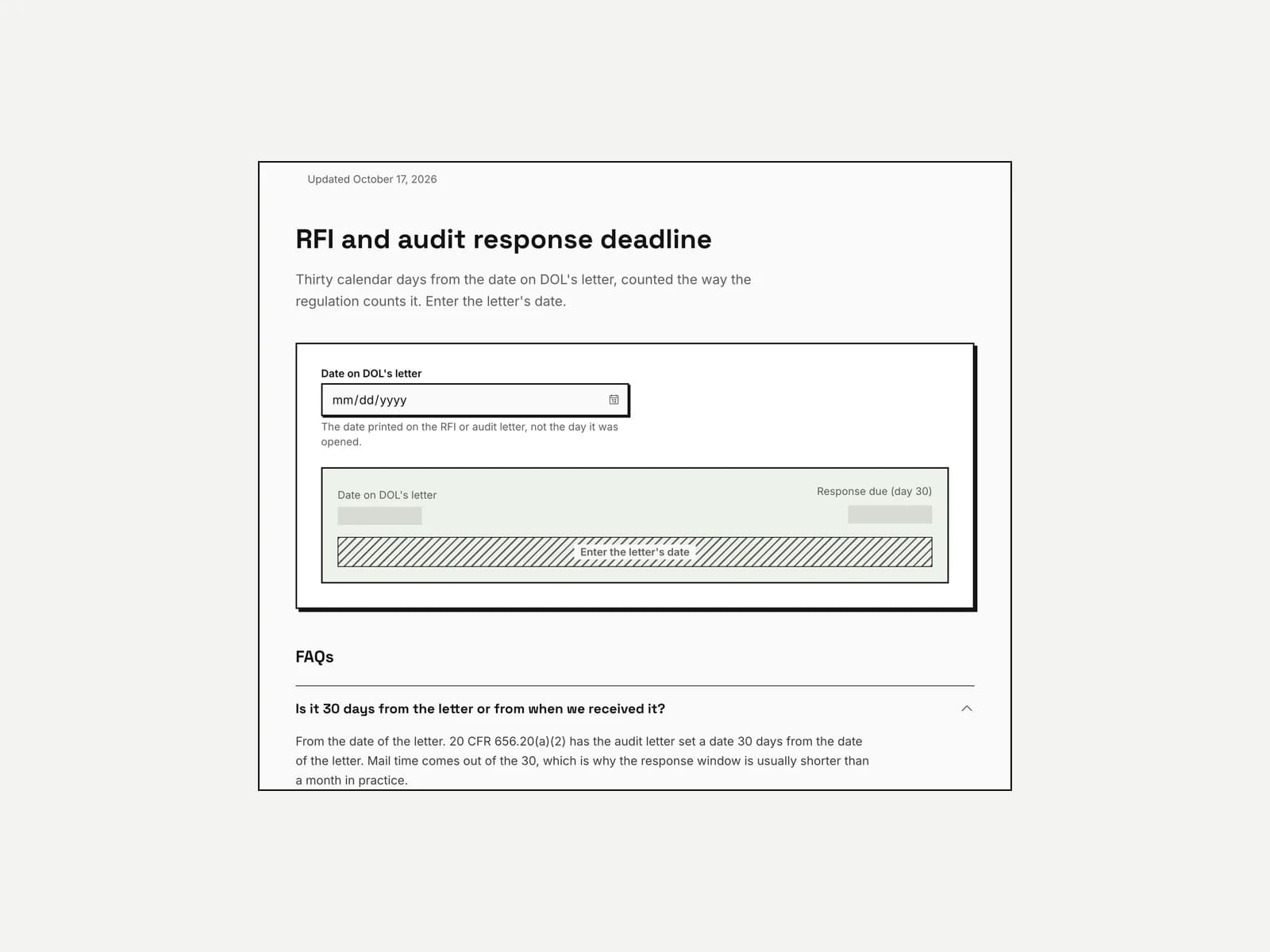
- The PERM deadline calculator, for one case's dates without a sheet