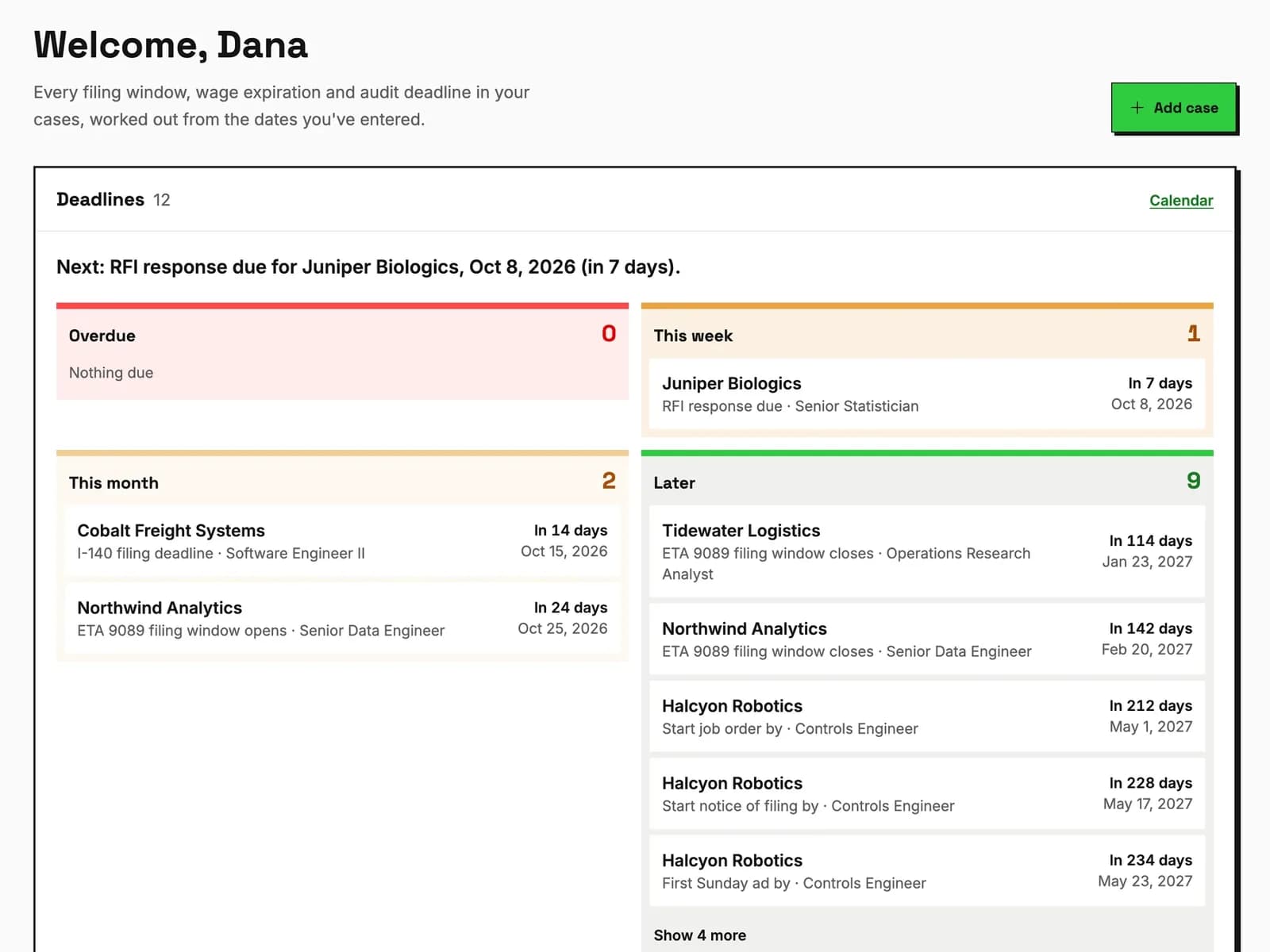
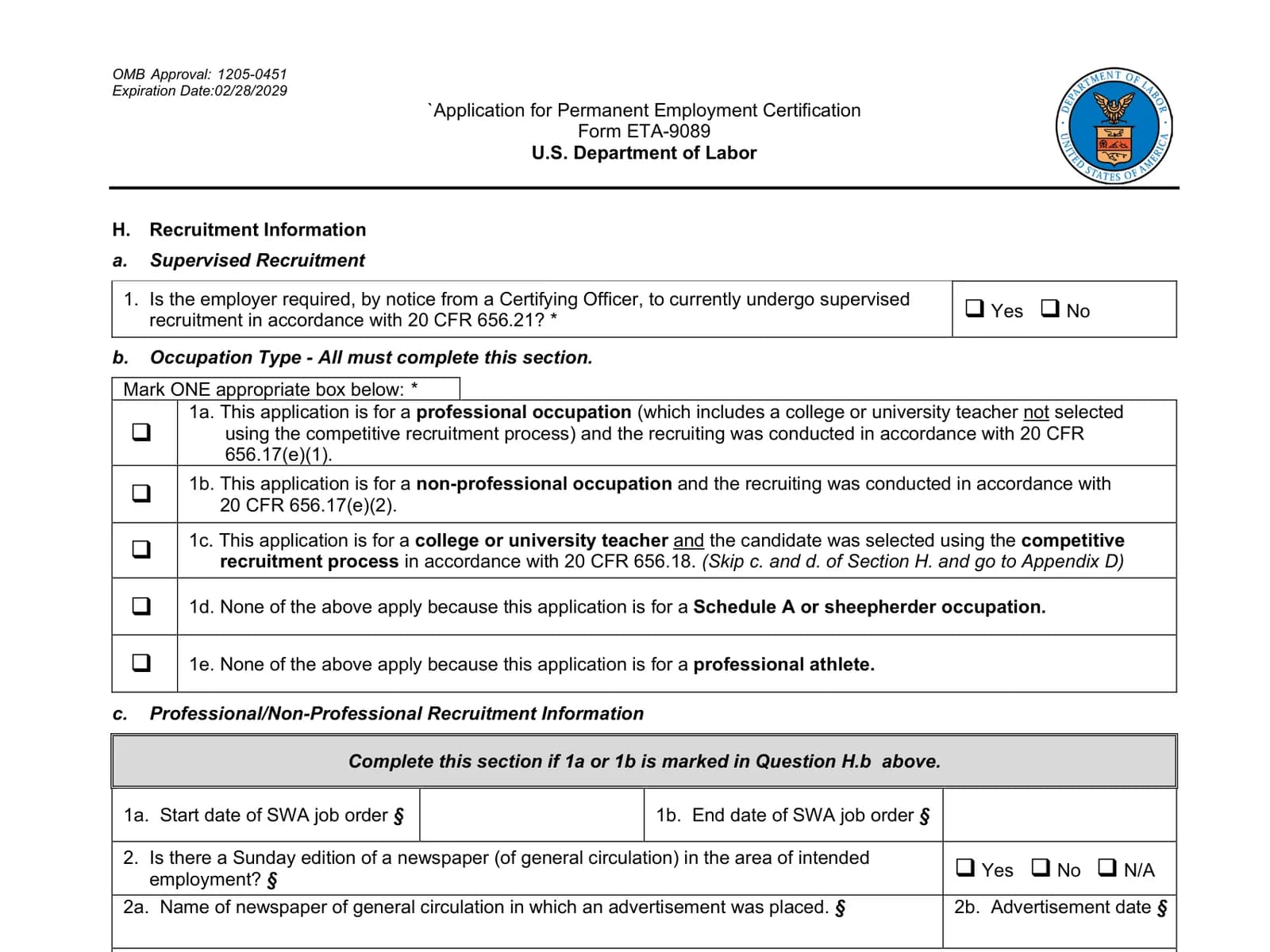
What you’ll learn: How to set up and use PERM Tracker's built-in recruitment checklist to track all mandatory and professional recruitment activities, validate timing requirements under 20 CFR 656.17, and ensure your documentation is audit-ready before filing.
Why Recruitment Tracking Matters
The recruitment phase is the most documentation-intensive part of the PERM process under 20 CFR 656.17. Missing even one required activity can result in denial. PERM Tracker's recruitment tracking ensures nothing falls through the cracks.
For a complete reference of every requirement, see our recruitment checklist. To understand how recruitment fits into the broader PERM process, read our Ultimate PERM Guide.
The Required Activities
Every PERM case requires a minimum set of recruitment activities. PERM Tracker provides a built-in checklist that tracks:
Mandatory (All Cases)
- SWA Job Order: 30-day posting with the State Workforce Agency
- Newspaper Ad #1: Sunday edition, area of intended employment
- Newspaper Ad #2: Sunday edition (different date)
- Internal Job Posting: 10 consecutive business days at the worksite
Professional Occupations (3 Additional Required)
For positions requiring a bachelor's degree or higher, select and track three additional activities from the approved list.
Setting Up Recruitment in PERM Tracker
Step 1: Navigate to Your Case
Open the case that’s entering the recruitment stage. Click on the Recruitment section.
Step 2: Enter Activity Dates
For each recruitment activity, enter:
- Start date: When the activity began
- End date: When the activity concluded (if applicable)
- Notes: Publication name, job order number, website URL, etc.
Step 3: Track Completion
As each activity is completed, check it off in the recruitment checklist. The system will:
- Validate that all required activities are present
- Check that timing requirements are met (e.g., 30-day SWA posting)
- Calculate the earliest possible filing date based on activity dates
- Flag any gaps or timing issues
Step 4: Review the Recruitment Summary
Before filing, review the recruitment summary to confirm:
- All required activities are complete
- The filing date falls within the 180-day window
- The 30-day cooling-off period has elapsed
- No timing conflicts exist
Documentation tip
Save copies of all recruitment materials (ads, postings, emails) in your case file alongside your PERM Tracker records. Digital records complement your physical documentation without replacing it.
Common Recruitment Mistakes
These mistakes are among the top PERM audit triggers:
- Starting recruitment before PWD: All recruitment must occur after the PWD is received
- Insufficient newspaper ads: Must be two separate Sunday editions
- SWA duration: Must remain active for the full 30 days
- Missing additional steps: Professional occupations need three additional steps, and two is the most common miscount
- Filing too soon: The 30-day cooling-off period is mandatory
New to PERM Tracker? Start with our getting started tutorial to set up your account first.
Best Practices
- Enter dates immediately: Don’t wait until filing to update your records
- Use the notes field: Record publication names, URLs, and confirmation numbers
- Check the validation: Let the system catch timing issues before you file
- Export for audit prep: Keep a recruitment summary ready in case of audit
For current processing time expectations after filing, see PERM processing times in 2026.
Track every recruitment step
PERM Tracker's built-in recruitment checklist ensures compliance and validates timing automatically.
Start tracking free