
For immigration attorneys managing fewer than 5-10 active PERM cases, a well-maintained spreadsheet can work effectively. Beyond 10 cases, purpose-built automated tracking tools like PERM Tracker (free), LawLogix, or Docketwise significantly reduce the risk of missed deadlines by automatically calculating dates from PERM regulations and sending proactive notifications. The best approach for most practices is a hybrid: automated tools for deadline calculation and alerts, plus spreadsheets for custom reporting.
The Tracking Challenge
Every immigration attorney managing PERM labor certification cases needs a system for tracking deadlines, recruitment activities, and case status. The question isn't whether to track — it's how.
Per Case Complexity
A single PERM case generates 50+ interconnected deadlines across its lifecycle under 20 CFR 656. At 10+ active cases, manual tracking becomes a liability — not a preference.
Most attorneys start with spreadsheets and gradually feel the pain points as their caseload grows. This guide compares the two main approaches honestly, including where manual tracking actually makes more sense. For a strategic overview of the PERM process itself, see our Ultimate PERM Guide.
Manual Tracking (Spreadsheets)
How It Works
Most manual systems involve:
- An Excel or Google Sheets workbook with columns for each deadline
- Color-coded cells for urgency
- Manual calculation of deadlines from key dates
- Calendar reminders set individually for each deadline
Pros
- Full control — You define every column, formula, and process
- No learning curve — Everyone knows how to use a spreadsheet
- No dependencies — Works offline, no subscription, no vendor risk
- Free — No software cost
- Customizable — Adapt to your specific workflow
Cons
- Manual calculation errors — One wrong formula can cascade through dates
- No automatic notifications — Must manually set calendar reminders
- Scaling issues — Gets unwieldy beyond 10-15 active cases
- No validation — Won't catch regulatory compliance issues
- Single point of failure — What if the spreadsheet gets corrupted?
- Collaboration challenges — Difficult to share with team members
Automated Tracking Tools
How They Work
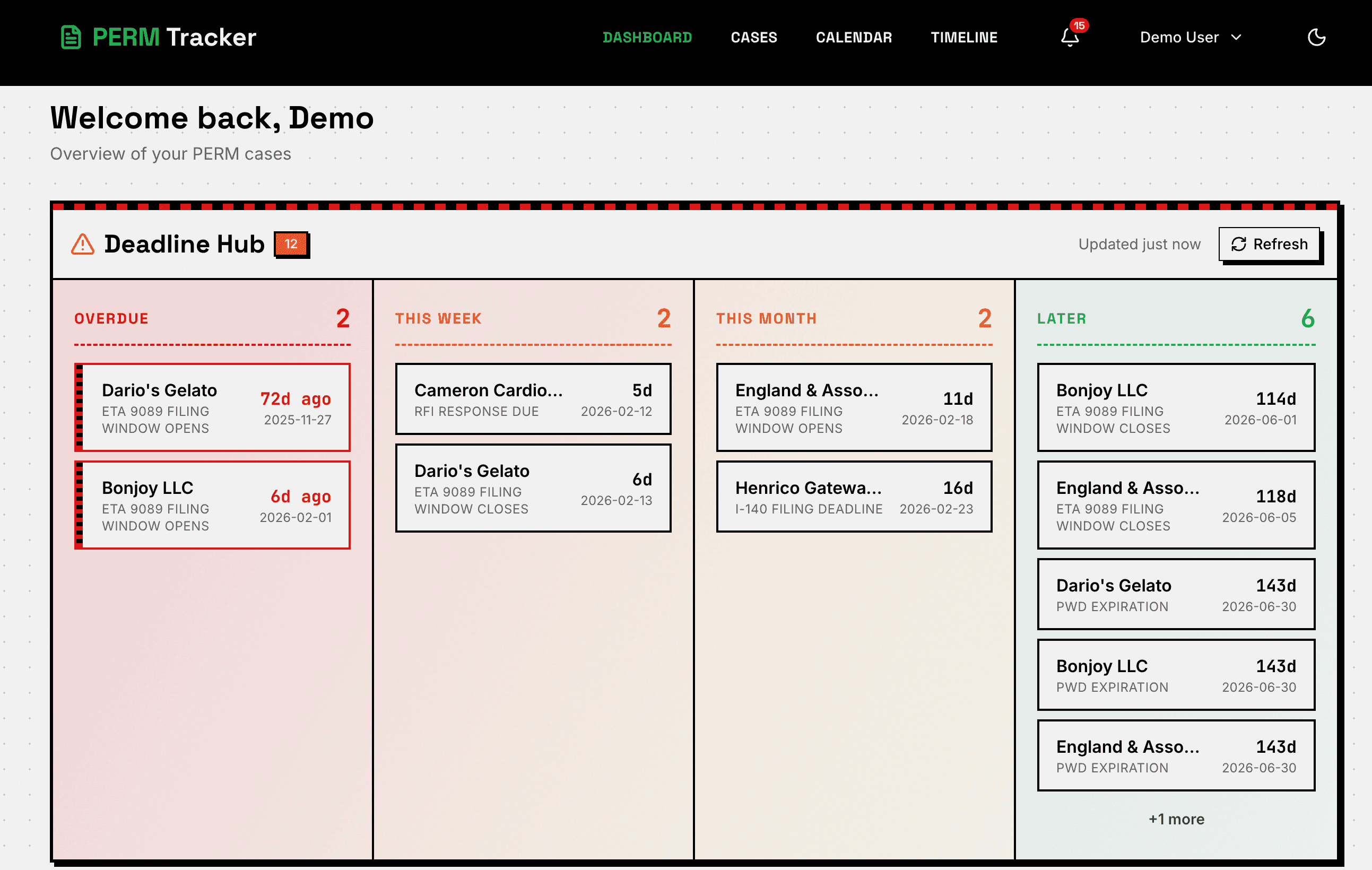
Purpose-built tools like PERM Tracker, LawLogix, and Docketwise automate the calculation and notification aspects of case management. They typically provide:
- Automatic deadline calculation from entered dates
- Push/email notifications for upcoming deadlines
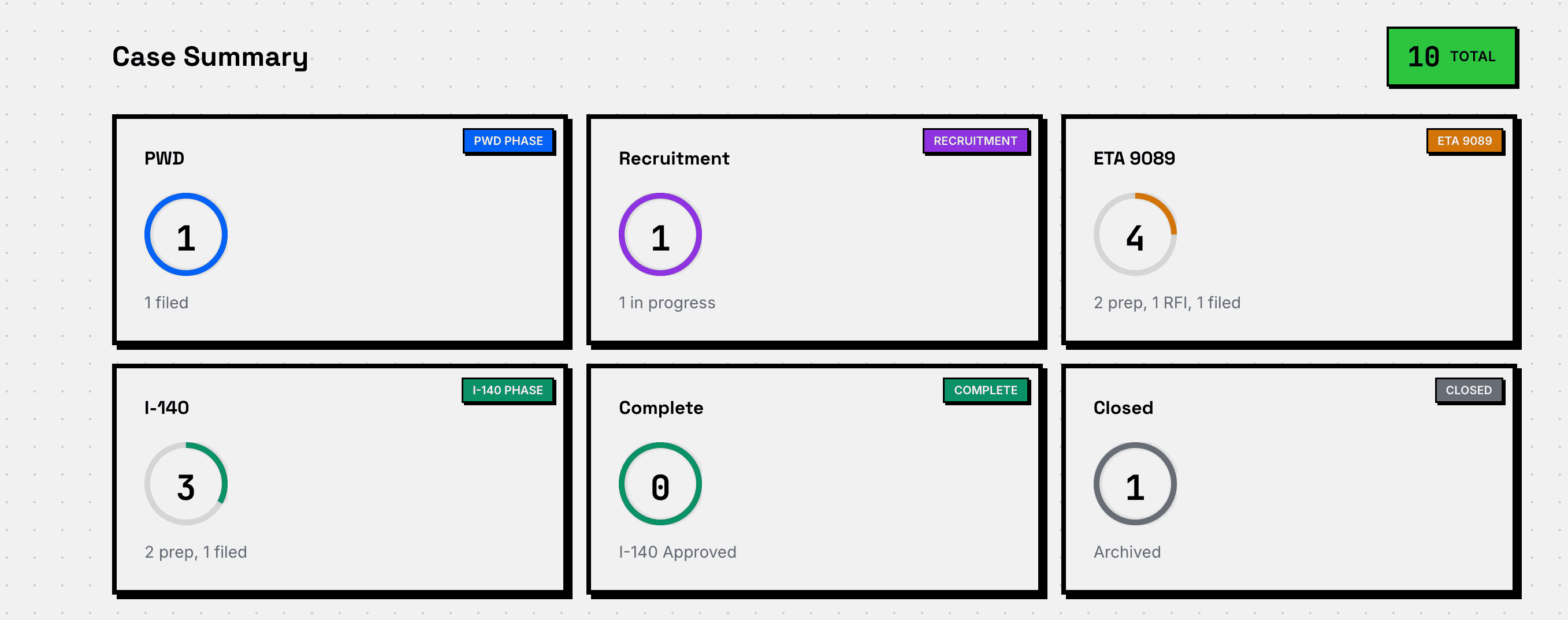
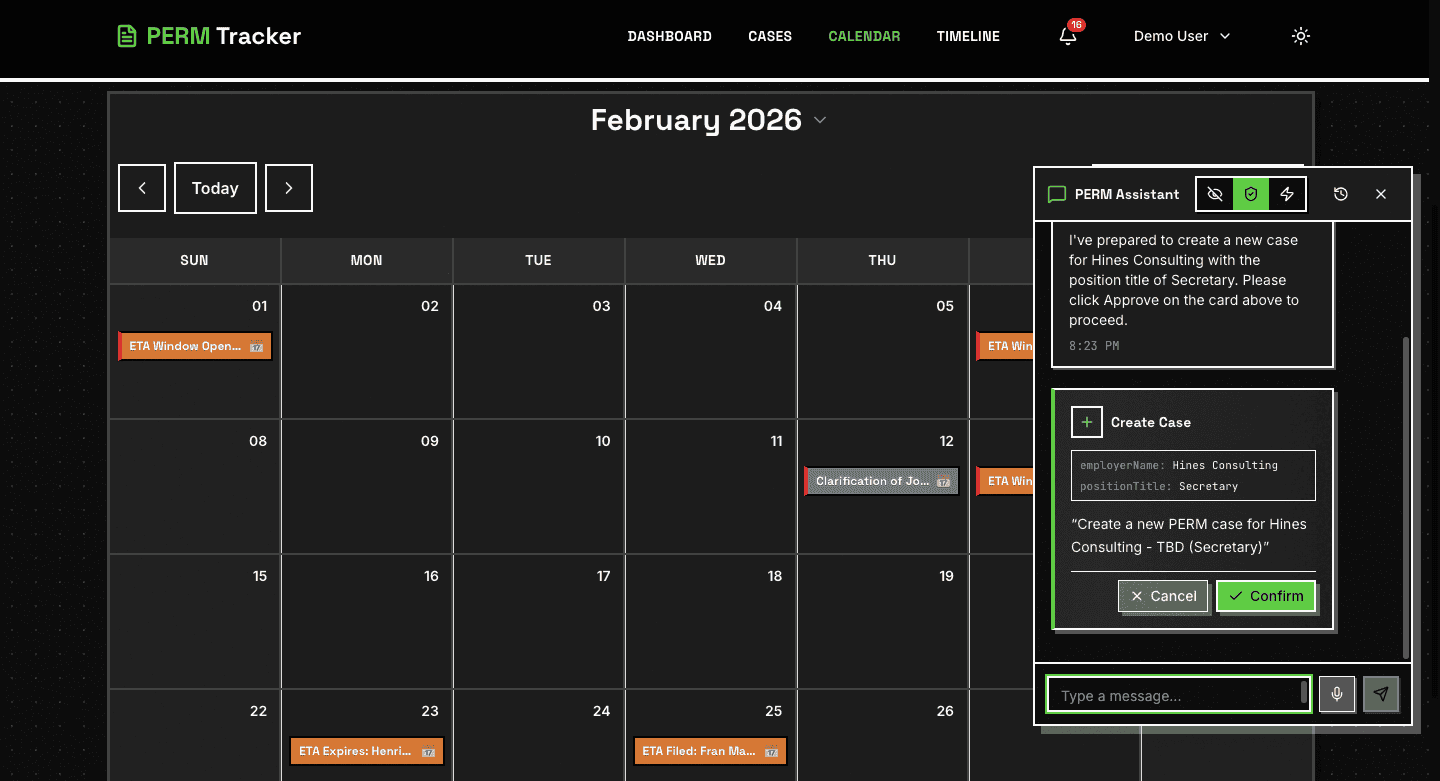
- Visual dashboards and calendar views
- Recruitment tracking checklists
- Validation against PERM regulations
Available Tools
For a deeper analysis of each tool, see our case management tools comparison.
Pros
- Automated deadlines — Calculated from regulations, not manual formulas
- Notifications — Proactive alerts before deadlines
- Validation — Catches compliance issues before filing
- Scalability — Handles any caseload size
- Visual tracking — Dashboards, calendars, timelines
Cons
- Vendor dependency — Reliance on external software
- Learning curve — Time to learn a new system
- Feature gaps — May not cover your exact workflow
- Data migration — Moving existing cases into a new system
When Each Approach Makes Sense
Stick with Spreadsheets When:
- You manage fewer than 5-10 active PERM cases
- You're a solo practitioner with a small, manageable caseload
- You have a proven system that hasn't caused issues
- You need highly customized tracking that no tool supports
Switch to Automation When:
- You're managing 10+ active cases simultaneously
- You've missed or nearly missed a deadline
- You're spending significant time on manual calculations
- You're adding team members who need access
- You want proactive notifications instead of reactive calendar checks
The Hybrid Approach
Many successful practices use both: a tracking tool for deadline automation and notifications, plus a spreadsheet for custom metrics, reporting, or case-specific notes that don't fit neatly into any tool.
The key is identifying which parts of your workflow benefit most from automation (deadline calculation, notifications, validation) and which benefit from flexibility (custom reporting, unusual case types).
Conclusion
There's no one-size-fits-all answer. The best approach depends on your caseload size, team structure, and existing systems. What matters is that you have a reliable system — whether it's a well-maintained spreadsheet or a purpose-built tool — that ensures no deadline is missed.
New to PERM? Start with our introduction to PERM labor certification, then explore the getting started tutorial to see automated tracking in action.
Try Automated Tracking Free
PERM Tracker is free, purpose-built for PERM, and takes under a minute to set up. Keep your spreadsheet as a backup while you try it.
Create Free Account